
26 Ways to Accept Payments, Donations, and Registrations with Muin
The complete matrix of embeddable payment, donation, and registration combinations available in Muin -- from giving pages to kiosk mode, event tickets to subscription widgets.

Most organizations cobble together separate tools to handle giving, ticket sales, form submissions, and recurring payments. Muin replaces that patchwork with a single platform that offers 26 distinct embedding combinations – each one deployable as a standalone page, an embedded widget, a kiosk interface, or an iframe.
This post maps every combination.
How It Works
Every combination shares the same underlying infrastructure: a sub-25KB vanilla JavaScript widget loader served from https://muin.falaah.ai/embed/widget.js, Shadow DOM for style isolation, server-sent events for real-time updates, and a unified contact record. The embed pattern:
<script src="https://muin.falaah.ai/embed/widget.js" data-tenant="your-org" data-type="button"></script>Widget types: button, form, thermometer, popup, floating, banner.
Nonprofit and Giving (1-11)
| # | Combination | Public URL | Deep Dive |
|---|---|---|---|
| 1 | Standalone Giving Page | /go/{slug}/donate/{page} |
Guide |
| 2 | Giving Page + Smart Form | /go/{slug}/donate/{page} |
Guide |
| 3 | Giving Page + Thermometer | /go/{slug}/donate/{page} |
Guide |
| 4 | Thermometer Iframe (compact) | /embed/thermometer/{tenant-slug}/{campaign-code} |
Guide |
| 5 | Full Campaign Embed | /embed/campaign/{tenant-slug}/{campaign-code} |
Guide |
| 6 | Iframe on Website | /go/{slug}/donate/{page} |
Guide |
| 7 | Peer-to-Peer Fundraising | /go/{slug}/donate/{page} |
Guide |
| 8 | Tribute / Memorial Giving | /go/{slug}/donate/{page} |
Guide |
| 9 | Kiosk Donation Mode | /go/{slug}/kiosk/donate |
Guide |
| 10 | Donor Portal | /go/{slug}/donor |
Guide |
| 11 | Grant Application Portal | /go/{slug}/grants/apply |
Guide |
A nonprofit’s relationship with money is different from a business’s: every friction point between a donor’s belief and the completed gift is a gift that never happens. These 11 combinations exist to remove that friction — in the lobby, on a phone, in an email, at a gala.
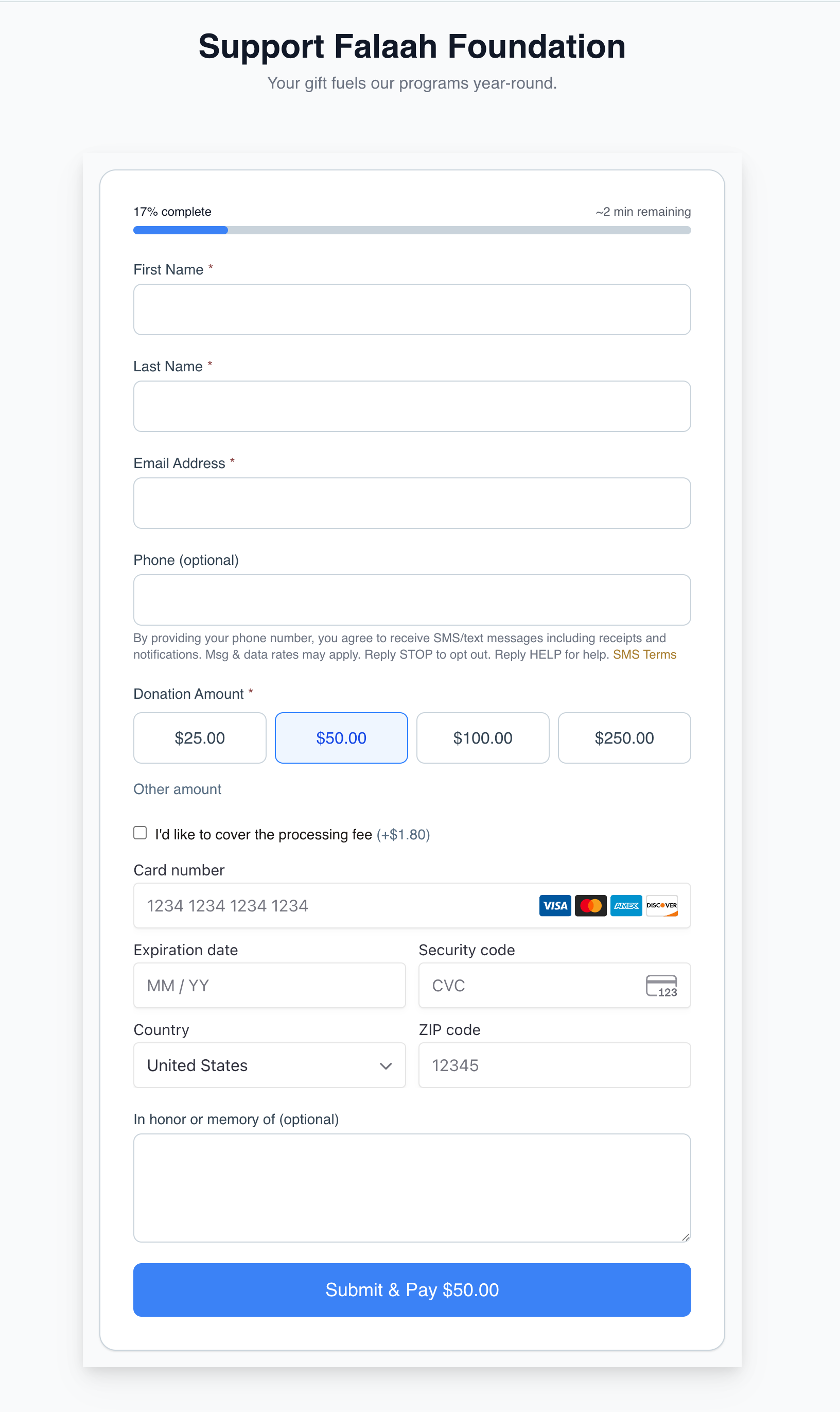
The same engine adapts to every fundraising scenario. A few examples seeded on muin-demo you can preview:
-
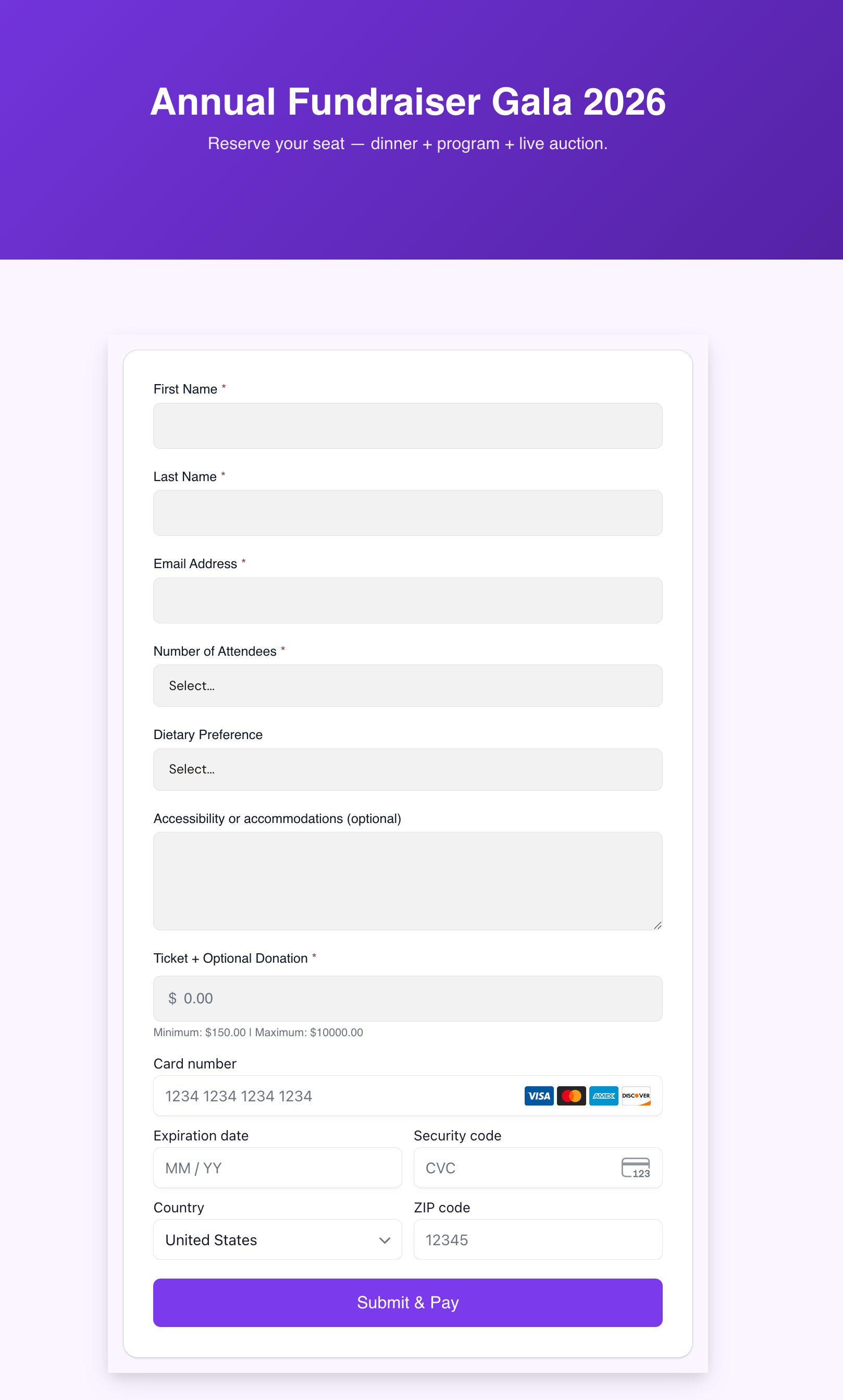
Form fields + donation widget on one screen — Gala registration with attendees, dietary, accessibility, and a custom-amount Stripe widget on the same page.
-
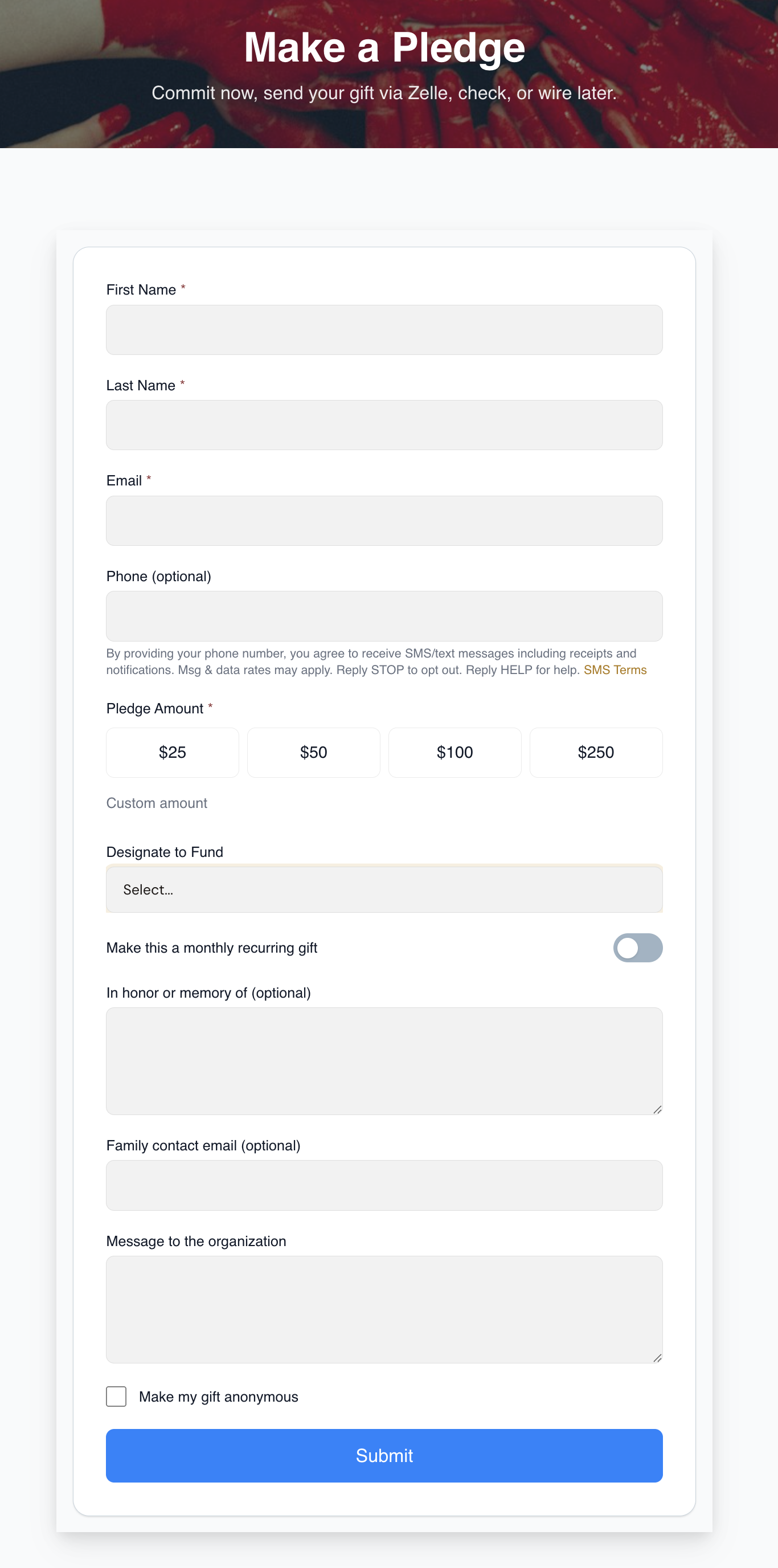
Pledge-only (no card) — donors commit now, send via Zelle, check, or wire later. The reconciliation matcher links the incoming bank transaction back to the pledge.
-
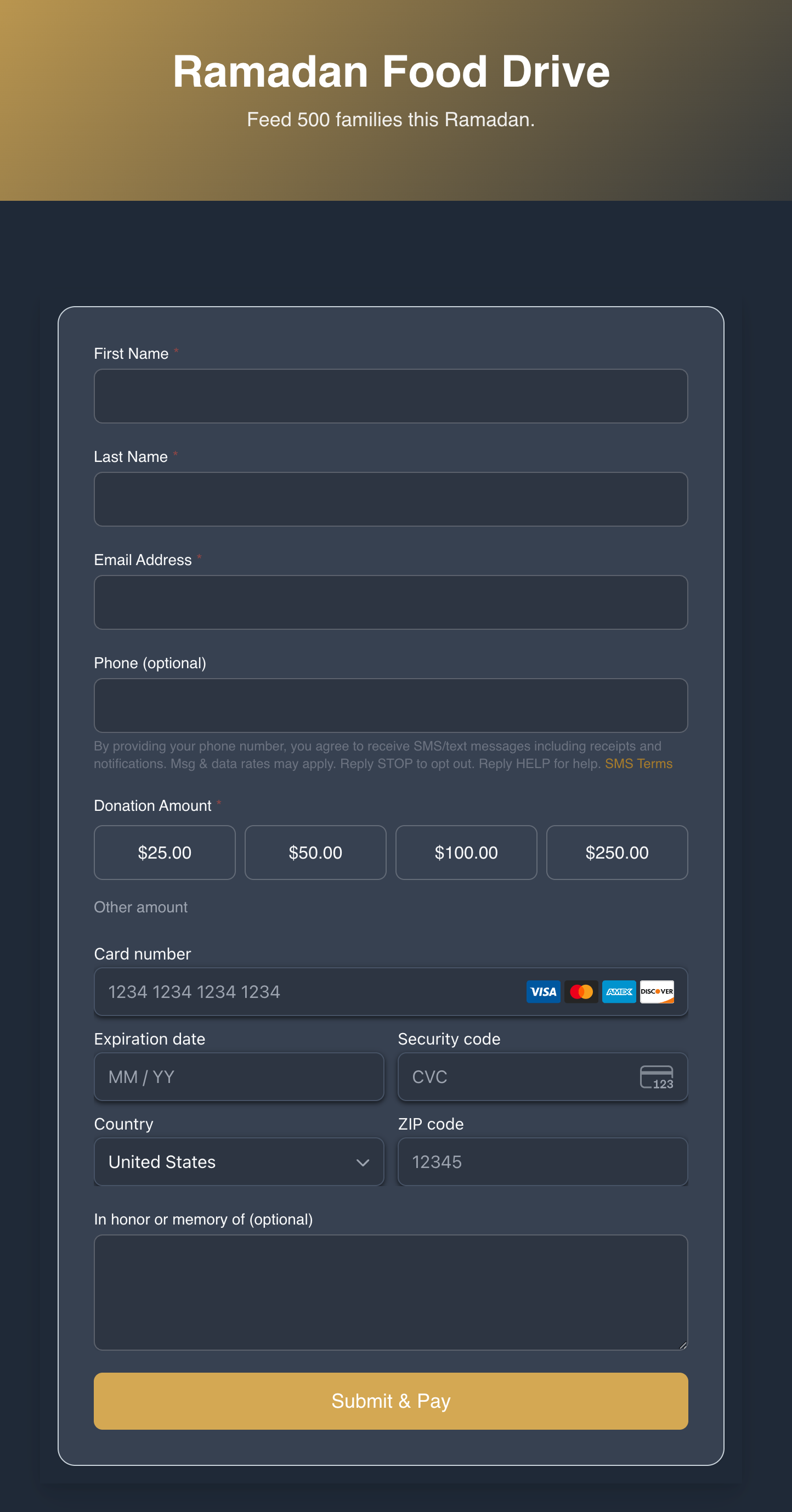
Themed campaign giving — same flow, different look. Ramadan dark-mode and Building Expansion accessibility high-contrast both ship out of the box.
Events (12-15)
| # | Combination | Public URL | Deep Dive |
|---|---|---|---|
| 12 | Free Event Registration | /go/{slug}/event/{id} |
Guide |
| 13 | Paid Event with Tickets | /go/{slug}/event/{id} |
Guide |
| 14 | Event Thermometer | /embed/event-thermometer/{uuid} |
Guide |
| 15 | Kiosk Check-In | /go/{slug}/event/{id} |
Guide |
Vertical overview: Event Registration and Tickets
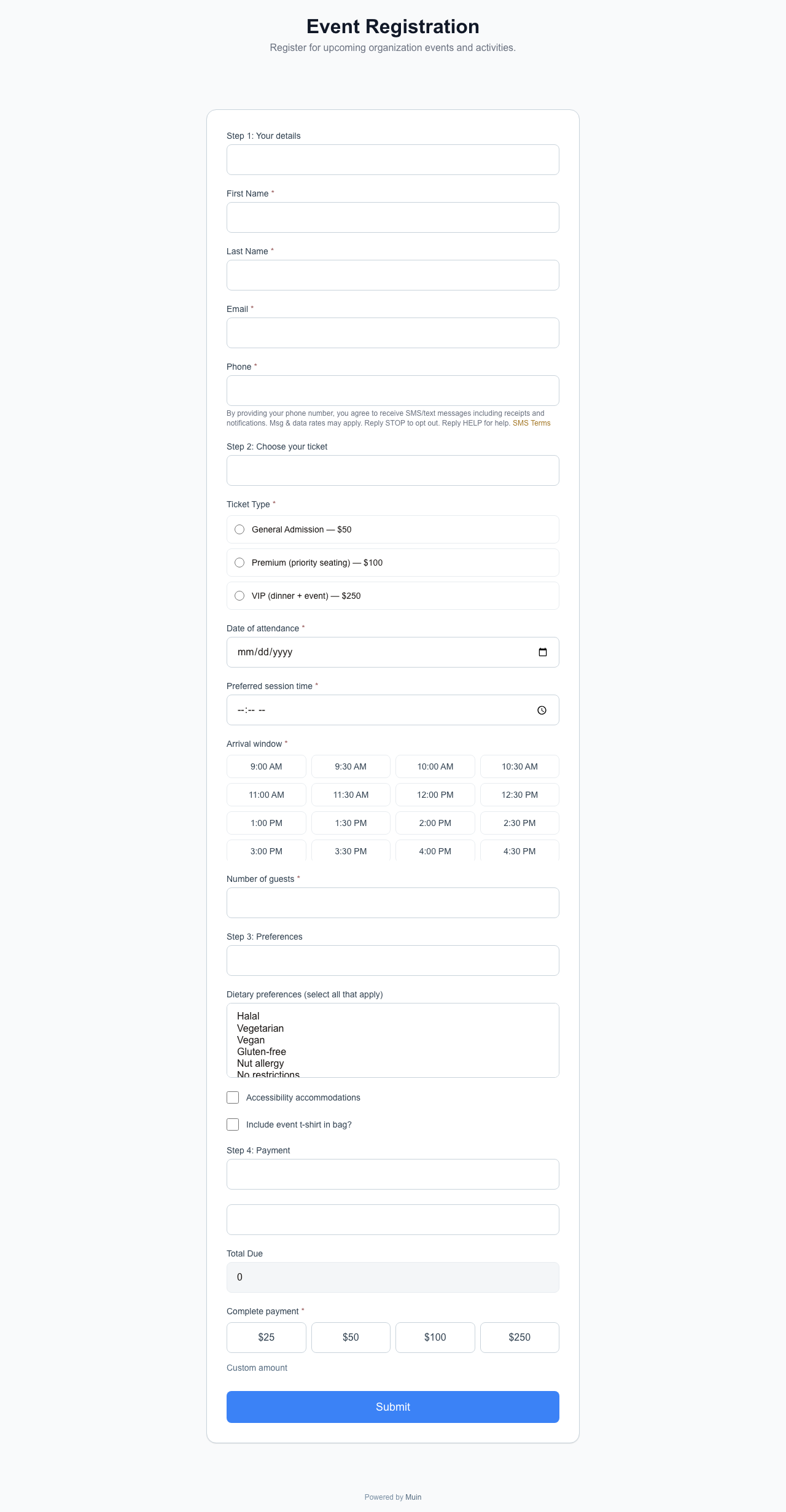
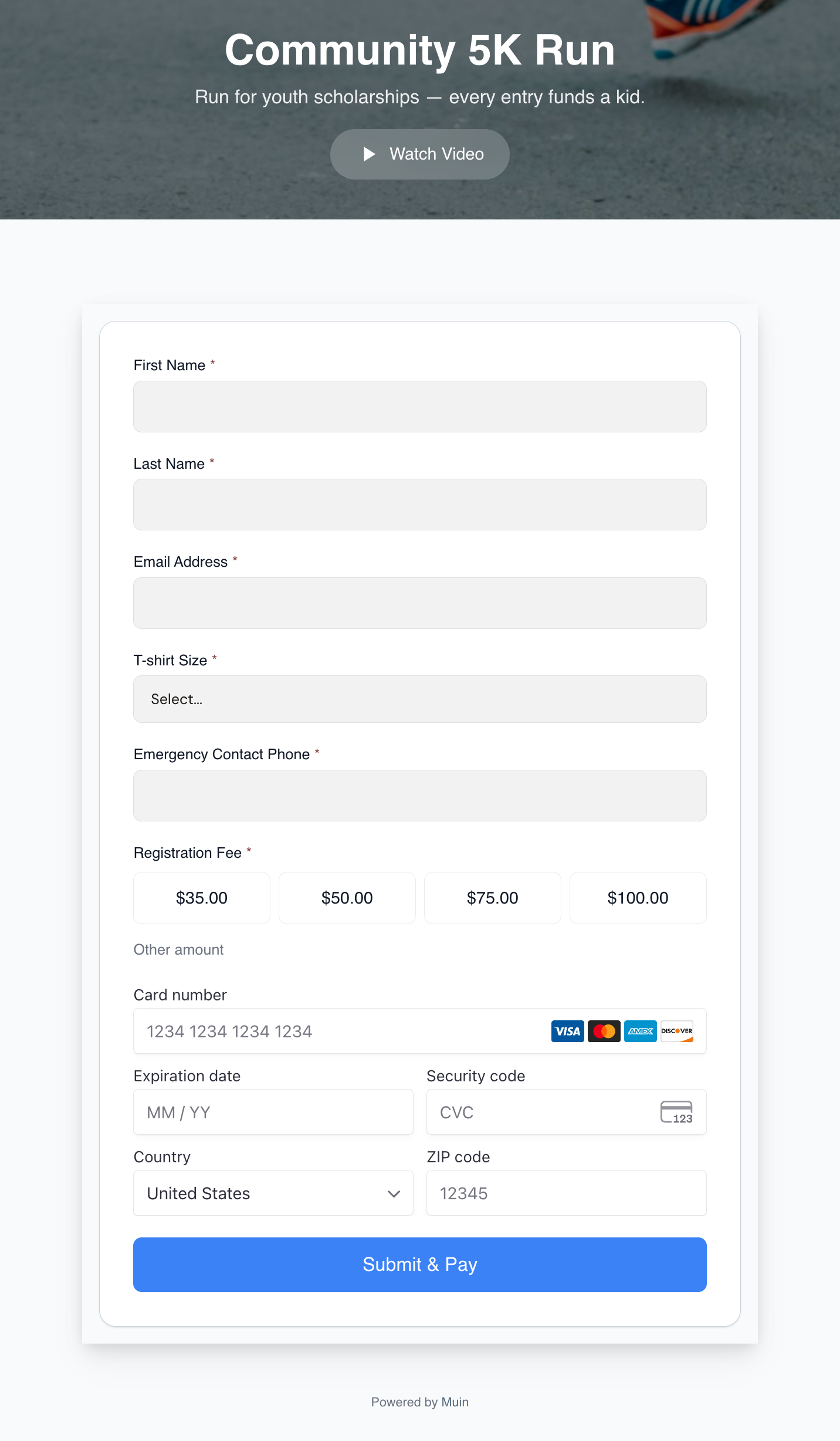
Paid event registration uses the same engine — registration form fields and tiered fee presets next to a real Stripe card widget on a single screen:
Smart Forms (16-19)
| # | Combination | Public URL | Deep Dive |
|---|---|---|---|
| 16 | Standalone Smart Form | /go/{slug}/form/{template} |
Guide |
| 17 | Smart Form + Payment | /go/{slug}/form/{template} |
Guide |
| 18 | Volunteer Signup | /go/{slug}/volunteer |
Guide |
| 19 | Membership Enrollment | /go/{slug}/membership |
Guide |
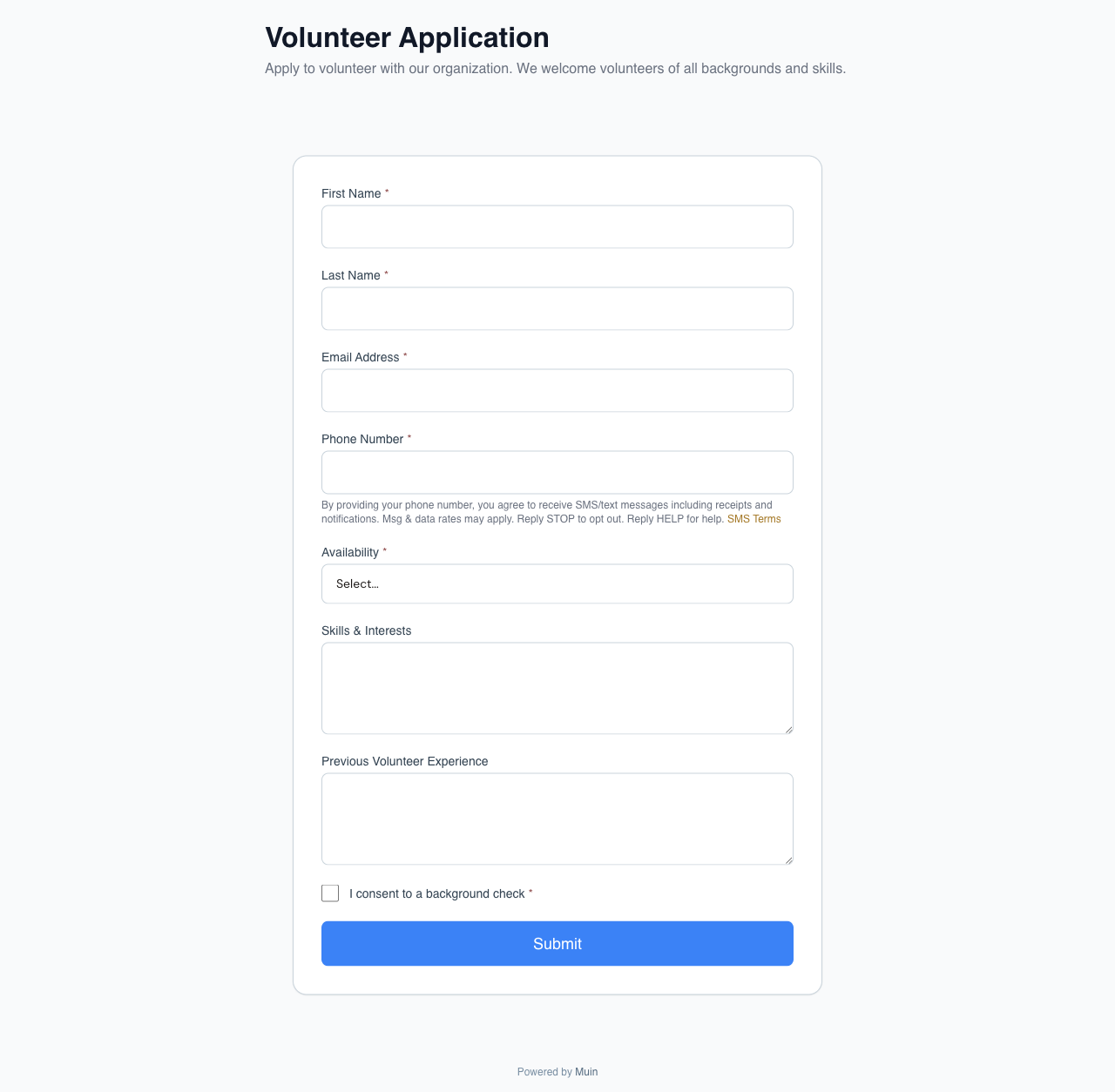
Vertical overview: Smart Forms: Standalone, With Payment, and Volunteer Registration
Widget Placements (20-23)
Any of the combinations above can be deployed as a widget placement. These are delivery mechanisms, not standalone combinations.
| # | Combination | data-type |
Deep Dive |
|---|---|---|---|
| 20 | Popup Widget | popup |
Guide |
| 21 | Floating Action Button | floating |
Guide |
| 22 | Banner Widget | banner |
Guide |
| 23 | Multi-Widget Config | Multiple tags | Guide |
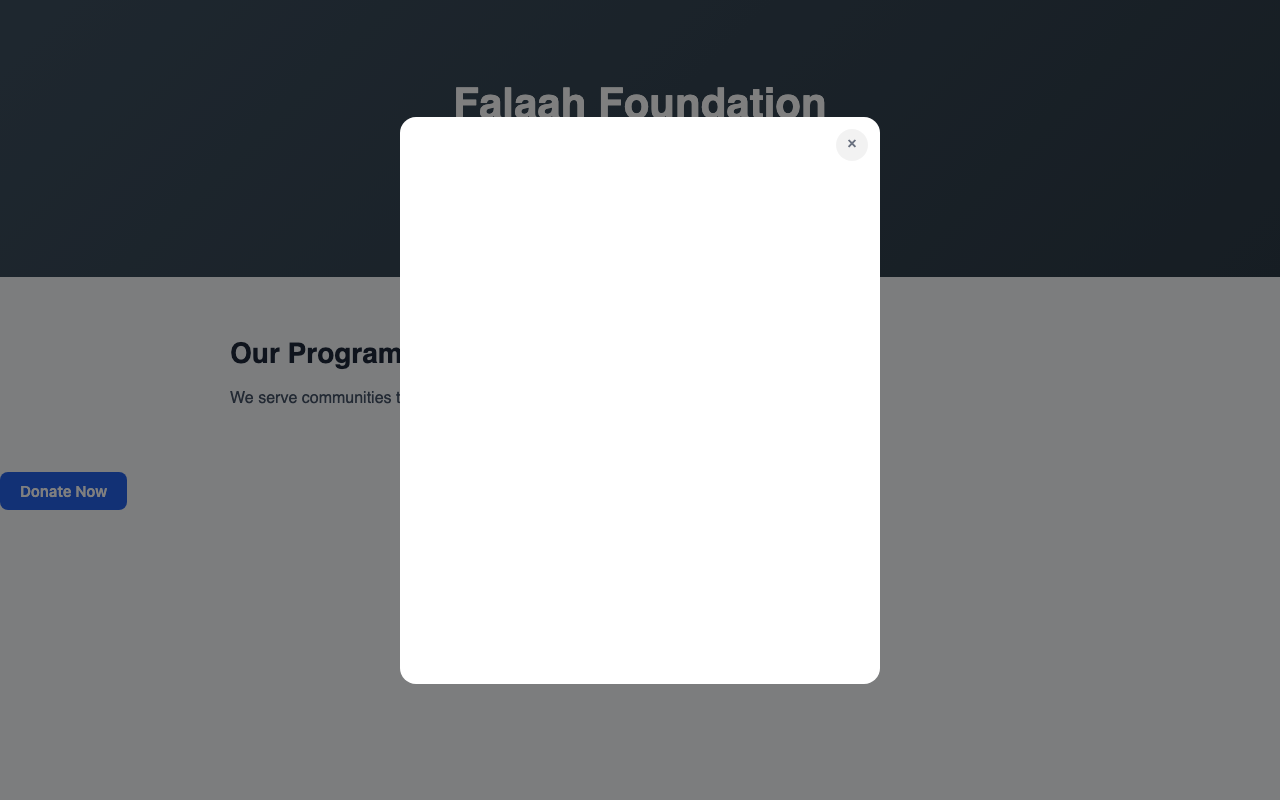
Vertical overview: Popup, Floating, and Banner Widgets
POS and Small Business (24-26)
| # | Combination | Public URL | Deep Dive |
|---|---|---|---|
| 24 | Payment Page | /go/{slug}/pay/{token} |
Guide |
| 25 | QR Code to Payment | /go/{slug}/pay/{token} |
Guide |
| 26 | Subscription Recurring | /go/{slug}/subscribe/{plan} |
Guide |
Vertical overview: Accept Payments Anywhere
Additional Public Pages
These pages support the 26 combinations above:
| Page | URL |
|---|---|
| Support / Help | /go/{slug}/support |
| Grants Application | /go/{slug}/grants/apply |
Iframe Embeds
For sites that prefer iframes over script tags, three iframe embed URLs are available:
| Embed | URL |
|---|---|
| Campaign Thermometer | /embed/thermometer/{tenant-slug}/{campaign-code} |
| Full Campaign | /embed/campaign/{tenant-slug}/{campaign-code} |
| Event Thermometer | /embed/event-thermometer/{uuid} |
All iframe routes include frame-ancestors * in the CSP header, allowing embedding on any domain.
What Makes This Different
One contact record. Whether someone donates, registers for an event, fills out a form, or buys a subscription, their record is the same. No duplicate contacts.
One reporting layer. Revenue from donations, ticket sales, form payments, and subscriptions all appear in the same financial reports.
One configuration surface. Branding, payment processing, email templates, and workflow triggers are configured once and applied everywhere.
One builder, one hub. Every public page — giving, event, form, grant, support portal, membership — is created and managed from a single Public Pages hub at /platform/public-pages, through one Create-a-Page wizard. The hub keeps a directory of every live public URL so nothing gets lost. See the Public Pages documentation for how the hub works.
The Technical Foundation
All 26 combinations run on the same embed architecture: a sub-25KB vanilla JavaScript loader, Shadow DOM for CSS isolation, server-sent events for real-time updates, and CORS headers for cross-origin embedding. For the engineering deep dive, see How We Built Real-Time Embeddable Widgets.
The Vision: One Platform, Every Touchpoint
Configure once, deploy everywhere. Most organizations cobble together a giving platform, an event tool, a form builder, a payment processor, and a CRM — five logins, five monthly fees, and five contact databases that never talk. The burden of integration falls on them.
Muin replaces that patchwork with a single embeddable infrastructure configured 26 ways. The donation form, the event page, the volunteer signup, the payment page, and the subscription widget all render through the same engine, process through the same Stripe integration, write to the same contact record, and trigger the same workflows. What changes between a giving page and a ticket page is configuration, not infrastructure.
This serves nonprofits (giving, events, volunteers, grants, kiosk giving, donor management — all feeding one donor record), small businesses (payment pages, QR payments, subscriptions, intake forms, and basic CRM), and the hybrid organizations most underserved by vertical tools — a mosque that accepts donations, hosts events, manages volunteers, runs a bookstore, and rents its community hall.