
Giving Pages: Five Ways to Accept Donations Online
One giving page, five powerful variants — core donations, smart form fields, campaign thermometers, peer-to-peer sharing, and tribute giving. Everything a nonprofit needs to collect gifts online.

Every nonprofit needs a single, reliable URL where supporters can give. Not a cluttered website with a buried “Donate” link. Not a third-party redirect that breaks your brand. A clean, purpose-built page that does one thing well: accept a donation in three steps.
Falaah’s giving page is that URL. It loads instantly, works on any device, and handles the entire donation flow — amount selection through payment confirmation — without ever leaving the page. And depending on what you need, the same giving page can take on five distinct forms.
Feature Matrix
| Feature | Core | Smart Form | Thermometer | P2P Sharing | Tribute |
|---|---|---|---|---|---|
| Suggested amounts + custom | Yes | Yes | Yes | Yes | Yes |
| Fund designations | Yes | Yes | Yes | Yes | Yes |
| Recurring giving | Yes | Yes | Yes | Yes | Yes |
| Fee coverage | Yes | Yes | Yes | Yes | Yes |
| Anonymous giving | Yes | Yes | Yes | Yes | Yes |
| Stripe Elements payment | Yes | Yes | Yes | Yes | Yes |
| Custom form fields | — | Yes | — | — | — |
| Live campaign progress | — | — | Yes | Yes | — |
| Shareable campaign URL | — | — | Yes | Yes | — |
| Tribute dedication toggle | — | — | — | — | Yes |
Core Giving Page
The default donation experience. Development directors share the link in email campaigns. Board members text it during a fundraising push. Event coordinators print it as a QR code on gala table cards.
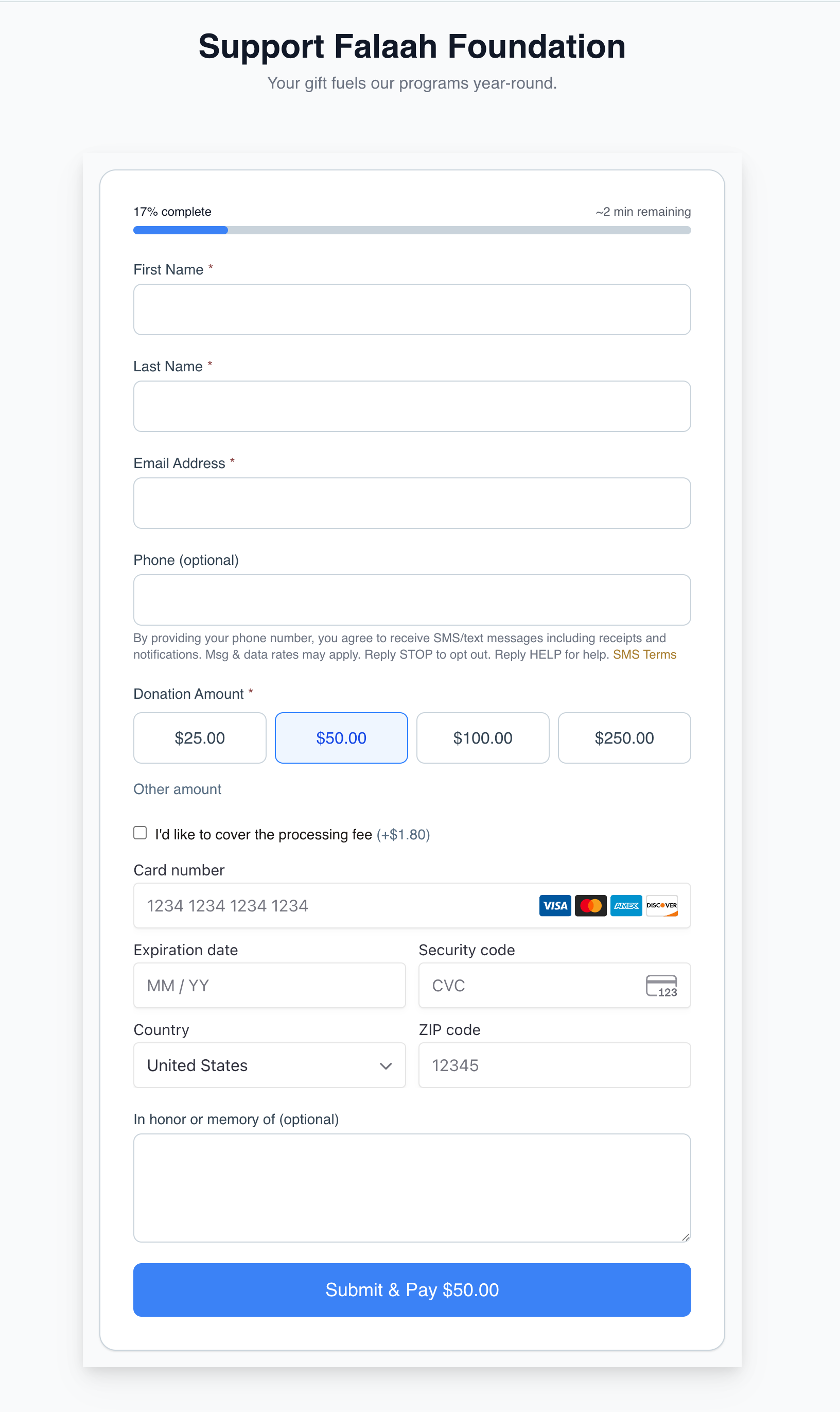
The flow unfolds in a single page. Choose an amount — a grid of suggested amounts (e.g., $25, $50, $100, $150, $250) or a custom figure. Toggle between one-time and recurring giving (monthly, quarterly, annually). Select a fund designation if the organization has multiple programs. Enter donor information — first name, last name, email, with an option to give anonymously. Pay — Stripe’s secure payment form with an optional fee-coverage checkbox. One tap completes the donation. A confirmation and tax-deductible receipt follow immediately.
Your giving page is live at:
https://muin.falaah.ai/go/your-org-slug/donate/your-page-slugWith Smart Form
A standard giving page collects who is giving, how much, and how they want to pay. Many nonprofits need more: employer match details, volunteer interest, pledge commitments, or event registrations alongside the gift.
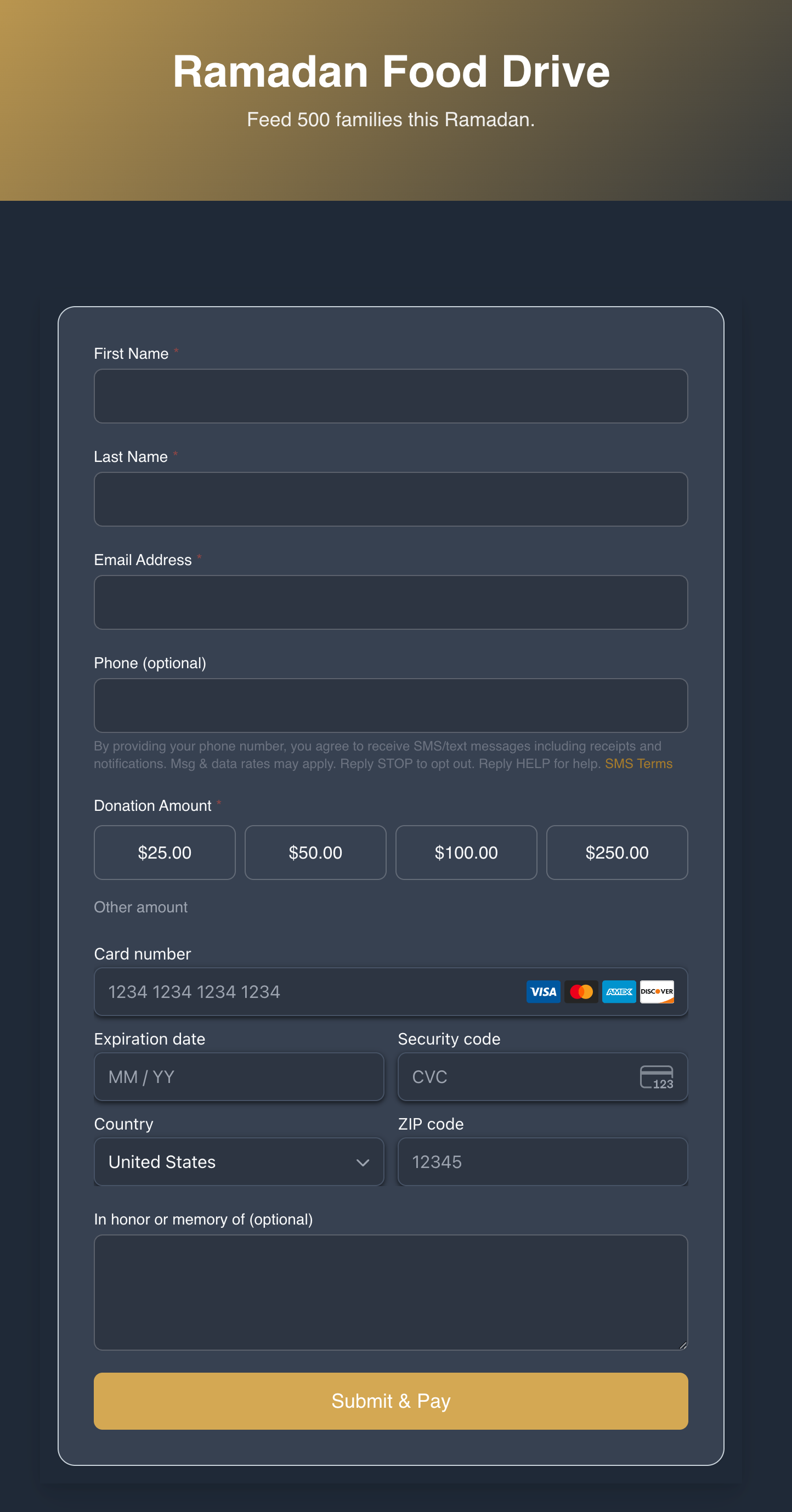
Falaah’s giving pages support a form_template_id link that pairs the standard donation flow with a form template collecting whatever structured data the organization needs. The form fields are configured in the admin — the donor sees them as a natural part of the giving experience. Available templates include volunteer applications, donation pledges, event registrations, and grant intake forms. Each template’s fields map to CRM contact properties, so data collected once pre-fills on future interactions.
With Campaign Thermometer
When a giving page is linked to a campaign with a financial goal, the page automatically displays a live thermometer — amount raised, goal, percentage, and donor count. Donations update the thermometer in real time via server-sent events.
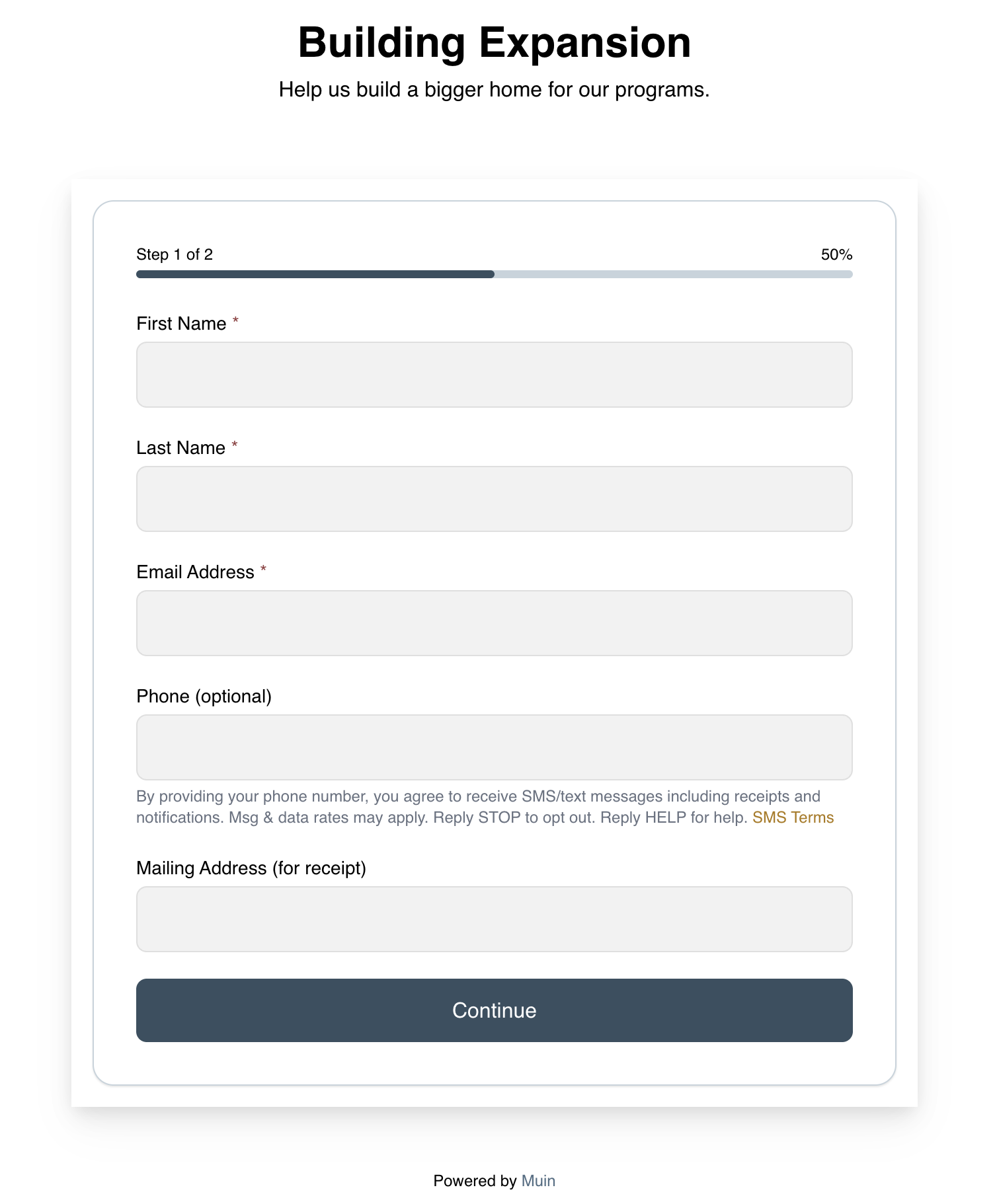
The Building Expansion campaign, for example, tracks $175,000 raised toward a $500,000 goal from 35 donors. The thermometer frames the giving decision — a campaign at 73% feels like it needs your help to cross the finish line — without interfering with the conversion funnel. Offline gifts (checks, in-person donations) can be added through the admin and appear in the thermometer total alongside online gifts.
Peer-to-Peer Sharing
The most effective fundraising comes from individuals asking their own networks to support a cause they care about. Every campaign giving page has a shareable URL that supporters can distribute via text, email, or social media.

When a friend shares a donation link, it carries implicit endorsement. The recipient is not evaluating marketing — they are responding to a personal ask from someone they trust. The live thermometer creates visible momentum: when a supporter texts the link and a donation comes in minutes later, the progress updates immediately.
Full peer-to-peer fundraising with personal fundraiser pages — individual goals, personal stories, and personal thermometers rolling up to a parent campaign — is on the Falaah roadmap.
Tribute and Memorial Giving
When someone gives in memory of a loved one or in honor of a milestone, the gift carries meaning beyond its dollar amount. Falaah’s giving pages include a “Make this a tribute gift” toggle.
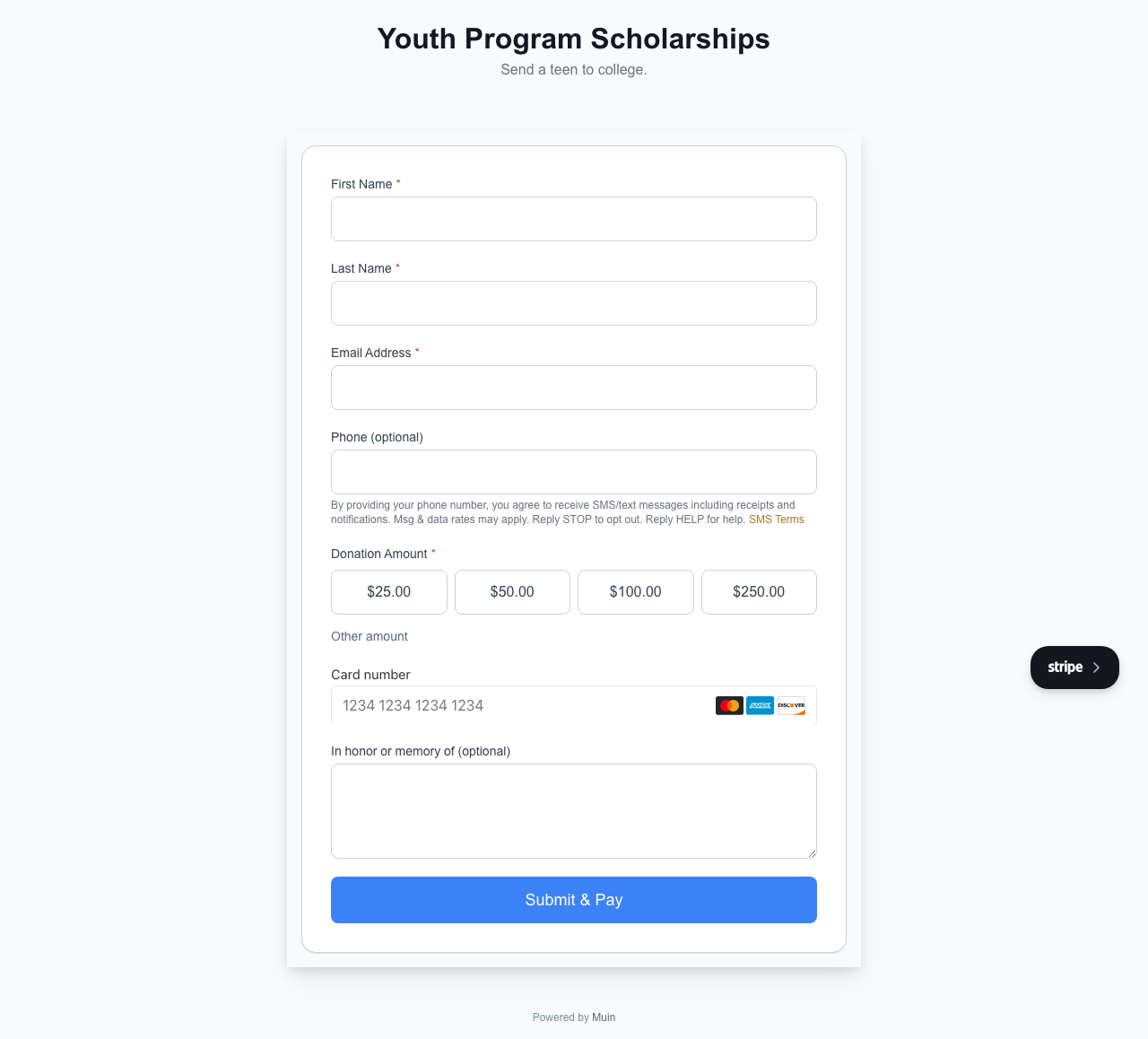
When the donor activates the tribute toggle, they select “In Honor Of” (birthdays, retirements, milestones) or “In Memory Of” (deceased individuals), then enter the honoree’s name. The tribute fields are integrated into the same giving flow — no separate step. Tribute information is recorded on the donation record in Falaah’s CRM for acknowledgment letters, year-end reporting, and donor communications.
Form Fields and Payment Widget on the Same Page
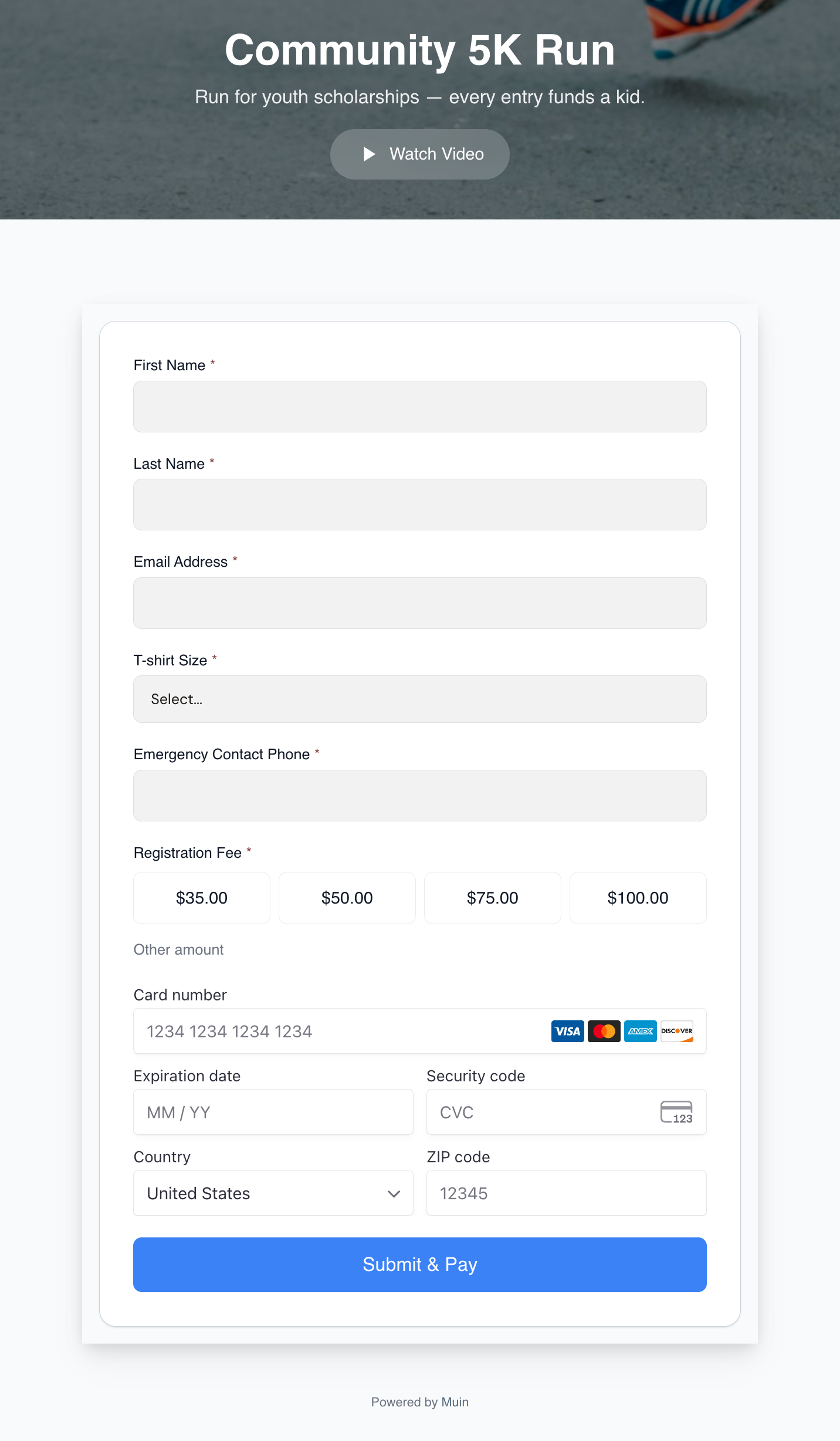
Some fundraising experiences are richer than a “pick an amount and pay” flow. A gala wants to know how many seats you need and any dietary requirements before charging your card. A community 5K asks for a t-shirt size and emergency contact alongside the registration fee. Falaah’s smart-form engine renders arbitrary form fields and a real Stripe Elements payment widget on the same screen — no two-page redirect, no separate checkout step.
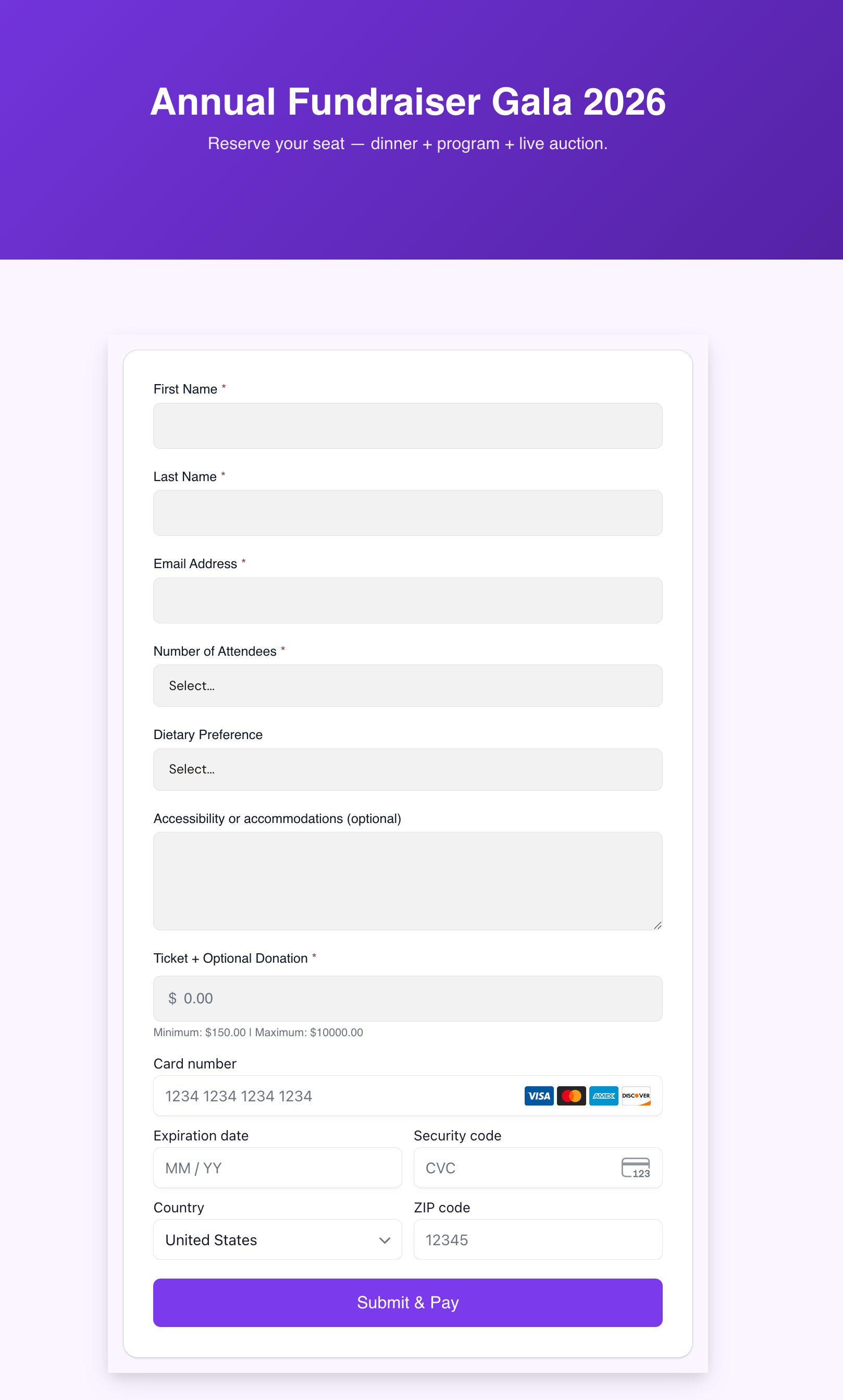
The gala page above collects attendees, dietary preference, and accessibility accommodations, then a custom-amount Stripe Card widget — all on a single screen. The payment field’s payment_nature: "mixed" setting lets the donor pay a base ticket price and add an optional donation in the same charge.
Paid event registrations work the same way:
Pledge-Only (Zelle, Check, or Wire)
Not every donor wants to pay by card. Some prefer Zelle for the lower fees, some prefer a paper check, and some wire transfer larger gifts. A pledge page captures the donor’s commitment now and provides instructions for sending the gift offline later — without a card field.
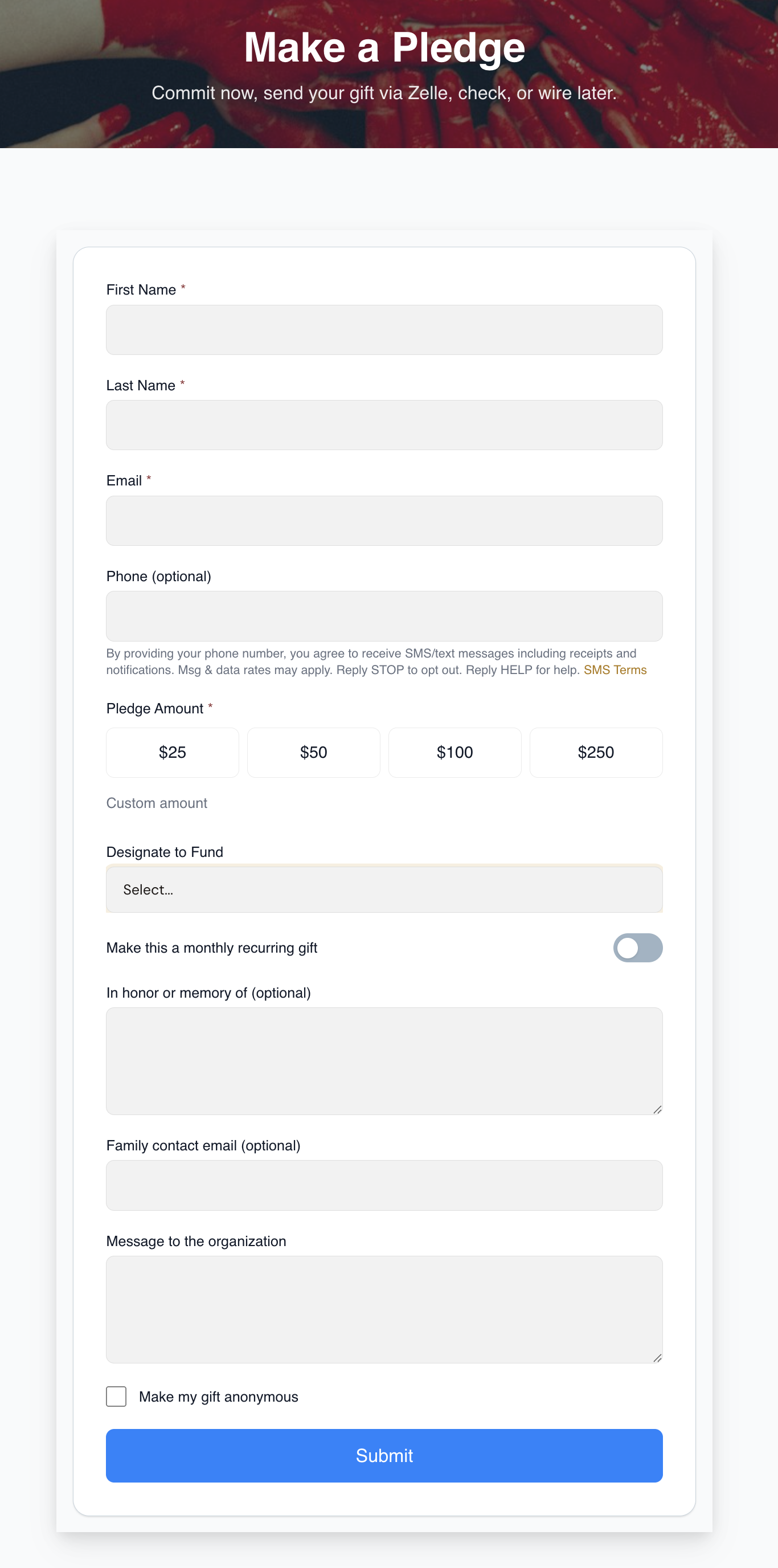
When a donor submits the pledge, Falaah generates a memo code for them to include with the offline transfer. The bank reconciliation matcher uses that memo code to link the incoming Zelle/check/wire transaction back to the original pledge — no manual matching by the finance team.
Embedding on Your Website
To place a donation widget on your own website, add a single script tag:
<script src="https://muin.falaah.ai/embed/widget.js"
        data-tenant="your-org-slug"
        data-type="form">
</script>
The widget renders inside a Shadow DOM container — no CSS conflicts, fully responsive. Change the data-type attribute to choose your presentation:
| Widget Type | What It Renders |
|---|---|
button |
A branded “Donate Now” button linking to your giving page |
form |
An inline donation form with Stripe payment |
popup |
A modal overlay form triggered by a button click |
floating |
A floating action button in the corner of the page |
banner |
A fixed bar at the top or bottom with a donation CTA |
All widget types use the same script URL. No target div needed.
Every donation lands in your CRM automatically — donor name, contact information, fund designation, amount, tribute details, and a timestamped receipt. No manual data entry. No reconciliation spreadsheets.
One Builder, Every Public Page
Your giving page is not a one-off tool. It is created and managed from Muin’s Public Pages hub — a single dashboard at /platform/public-pages where one Create-a-Page wizard produces every kind of public page from the same builder: giving pages, event pages, forms, grant pages, support portals, and membership pages. Each gets its own public URL, and the hub keeps a directory of every live link in one place. Build a giving page today; add an event registration page or a membership page tomorrow — same tool, same branding, same inbox for the results.
For the complete matrix of giving, event, form, and payment embeds, see 26 Ways to Accept Payments, Donations, and Registrations with Muin. For setup steps, see the Public Pages documentation.