
Donation Widgets: Popup, Floating Button, and Banner
Three widget types for embedding donation forms on any website -- popup modal, floating action button, and banner bar. Setup, embed code, and when to use each.

Three widget types let you embed a donation form on any website without redirecting visitors. Each uses the same script with a different data-type:
<script src="https://muin.falaah.ai/embed/widget.js" data-tenant="your-org-slug" data-type="..."></script>| Widget Type | data-type |
Trigger | Placement | Best For |
|---|---|---|---|---|
| Popup | popup |
Button click | Modal overlay | Focused donation moments |
| Floating FAB | floating |
Corner button click | Fixed corner | Persistent giving option |
| Banner | banner |
Always visible | Top or bottom bar | Campaign urgency, time-limited |
All three load a full giving page inside a Shadow DOM element – suggested amounts, fund selector, recurring toggle, Stripe Elements payment, anonymous and tribute giving, fee coverage, and your organization’s branding. No target <div> needed.
Popup Widget
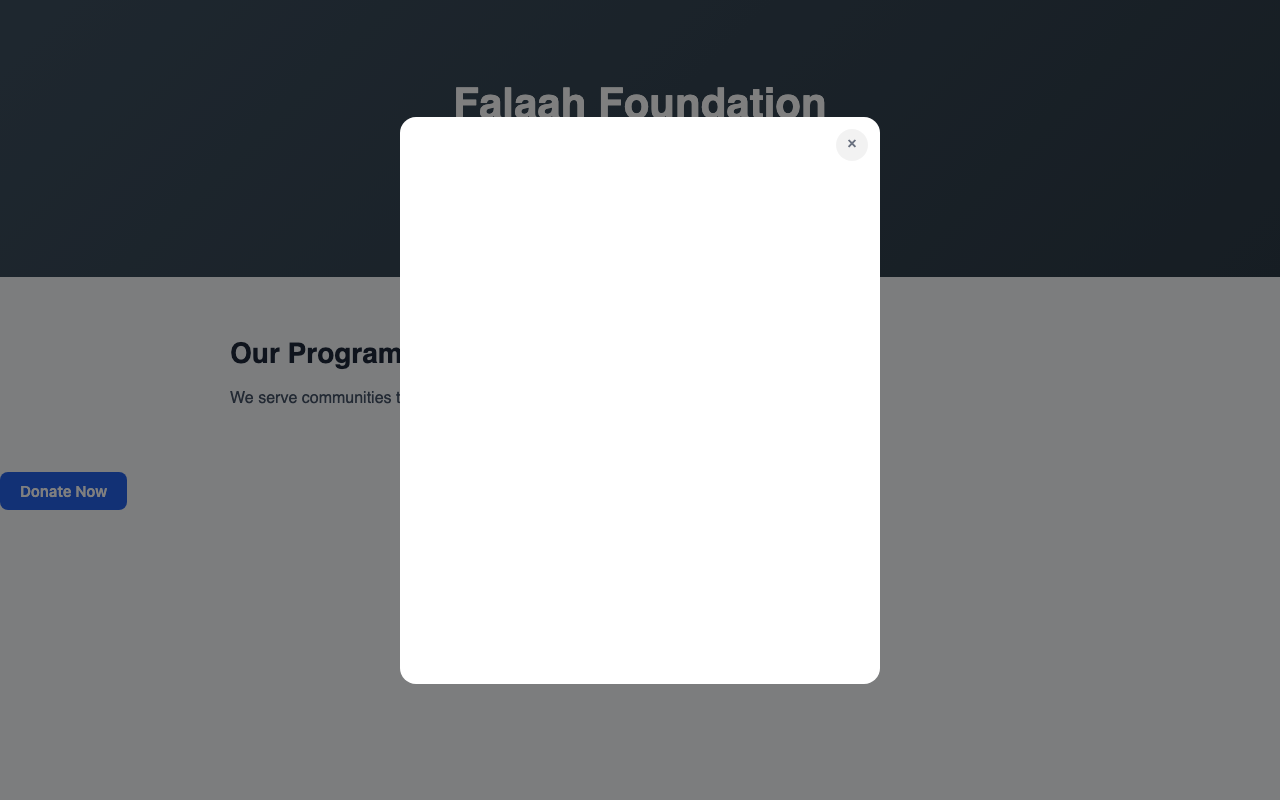
A button on your page that opens a modal overlay with the giving form. The visitor clicks, a semi-transparent backdrop dims the page, and the form slides into view. Close via the X button, Escape key, or clicking the backdrop. No scroll, exit, or time triggers – the visitor is always in control.
<script src="https://muin.falaah.ai/embed/widget.js"
        data-tenant="your-org-slug"
        data-type="popup"
        data-campaign="ramadan-2026"
        data-text="Donate Now"
        data-size="medium"
        data-style="filled">
</script>
Key attributes: data-text (button label), data-size (small/medium/large), data-style (filled/outline).
When to use: Impact stories, program descriptions, campaign updates – pages where visitors are most likely to feel moved to give. The button sits naturally in the content flow.
Floating Action Button (FAB)
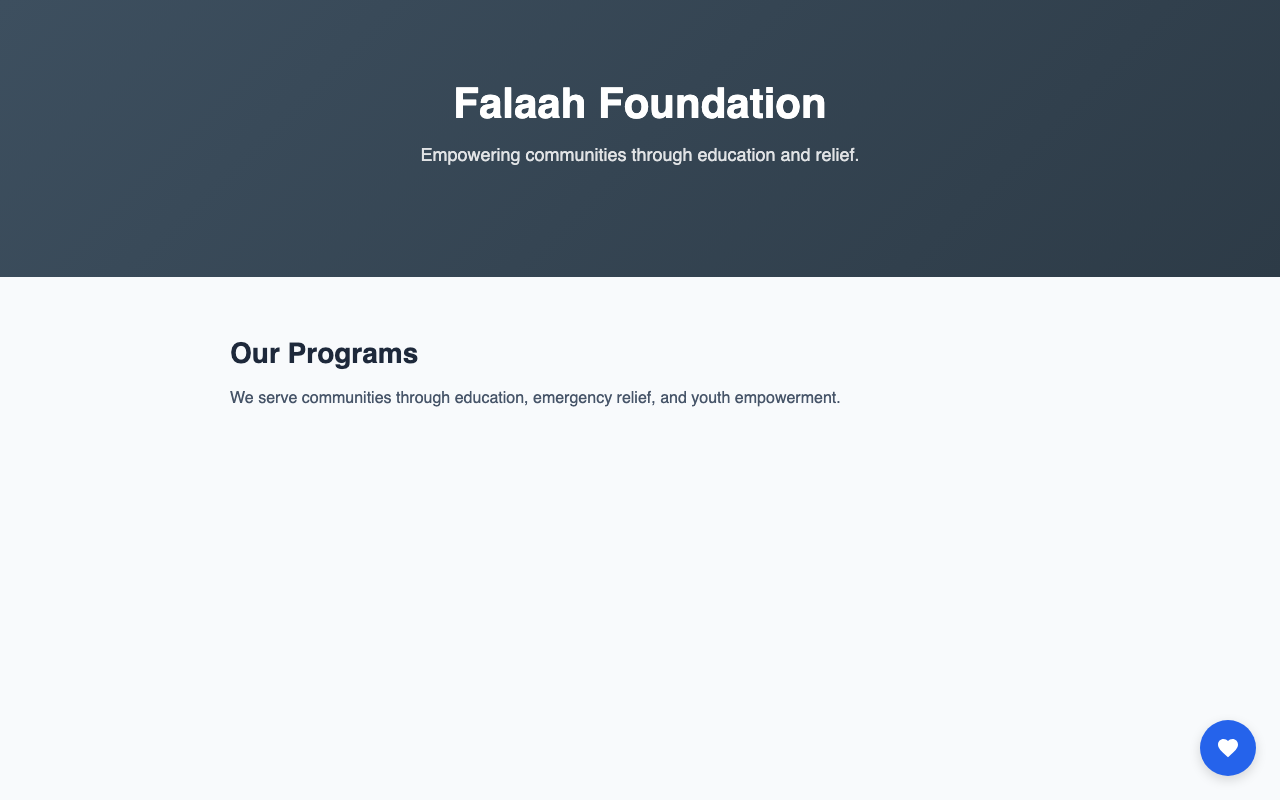
A persistent heart icon button anchored to a corner of the screen. It floats above content and stays fixed as the visitor scrolls. One click opens a slide-up panel with the giving form. The button quietly returns to its corner after the panel is closed – always available, never intrusive.
<script src="https://muin.falaah.ai/embed/widget.js"
        data-tenant="your-org-slug"
        data-type="floating"
        data-position="bottom-right"
        data-size="medium"
        data-style="filled">
</script>
Key attributes: data-position (bottom-right, bottom-left, top-right, top-left). Place in your site’s global footer or <head> so it loads on every page.
When to use: Site-wide complement to page-specific forms. Content-heavy sites – blogs, resource libraries, impact reports – benefit the most. Visitors inspired by a story can act immediately without hunting for a donate link.
Banner Widget
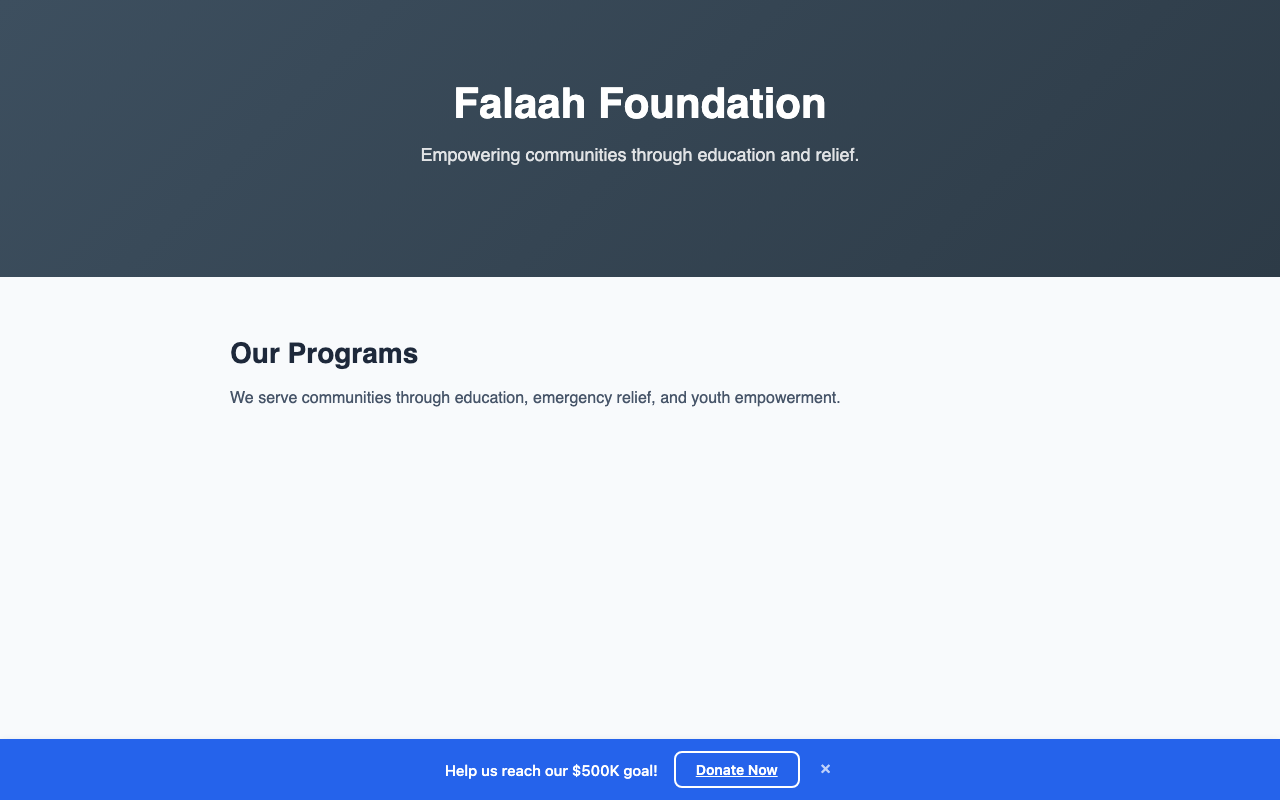
A slim, fixed bar at the top or bottom of the viewport with a campaign message and a call-to-action button. Every visitor sees it until they dismiss it via the X button.
<script src="https://muin.falaah.ai/embed/widget.js"
        data-tenant="your-org-slug"
        data-type="banner"
        data-campaign="ramadan-2026"
        data-text="Ramadan Food Drive -- help us reach our goal"
        data-button-text="Give Now"
        data-size="medium"
        data-style="filled">
</script>
Key attributes: data-text (campaign message, keep under 80 characters), data-button-text (CTA label). Place in your global template for site-wide visibility.
When to use: Time-bound campaigns – Ramadan appeals, matching gift challenges, year-end pushes. Creates site-wide awareness without disrupting page content.
Choosing the Right Widget
Start with one question: Is this for a specific page or the entire site?
- Specific page (campaign update, impact story) – use the popup. It sits in the content flow and converts at the moment of inspiration.
- Entire site, passive – use the FAB. It provides a consistent entry point on every page without competing with content.
- Entire site, urgent – use the banner. It creates visibility for a time-limited campaign across all pages.
- Maximum coverage – combine all three. The banner drives awareness, the FAB provides persistence, and the popup captures intent on your strongest pages.
Conversion vs. Restraint
The three types trade conversion for intrusiveness. The popup demands attention and converts best at the moment of intent – but leaned on too hard, it trains visitors to leave. The FAB converts more modestly with near-zero annoyance: always available, never in the way. The banner has the lowest per-view conversion but excels at repeated, low-pressure exposure across many page views.
The principle across all three is restraint: make the ask once, keep it easy to close, and let the visitor stay in control. A single, well-timed ask converts better over a month than an aggressive configuration that wins on day one and drives visitors away.
For deploying multiple widgets on a single page with coordination rules, see Multi-Widget Landing Page. For step-by-step embed setup, see the embedding documentation. For the complete 26-combination matrix, see 26 Ways to Accept Payments, Donations, and Registrations with Muin.