
Set Up Muin Markets
How-tos ·0:56 ·
See how to set up Muin Markets, the free register for markets, pop-ups and community sales, from its Product Home in under a minute.
Steps in this video
What the video shows:
- Open Products, then Muin Markets.
- Press Run setup. Muin adds your first categories.
- Check what is left: items to sell, a register PIN, and card payments.
- Press Go live. Muin checks every required item first.
- Your register is ready. Open it from Finance, then Point of Sale > Register.
Muin Markets is free to use. Muin earns 0.5% of each card sale.
Every step in writing: the setup guide and the step-by-step post. Every product’s guides and videos are on one page.
Try Muin for Finance
Everything Muin for Finance does runs in the Muin platform today.
Watch next
 0:51
Features
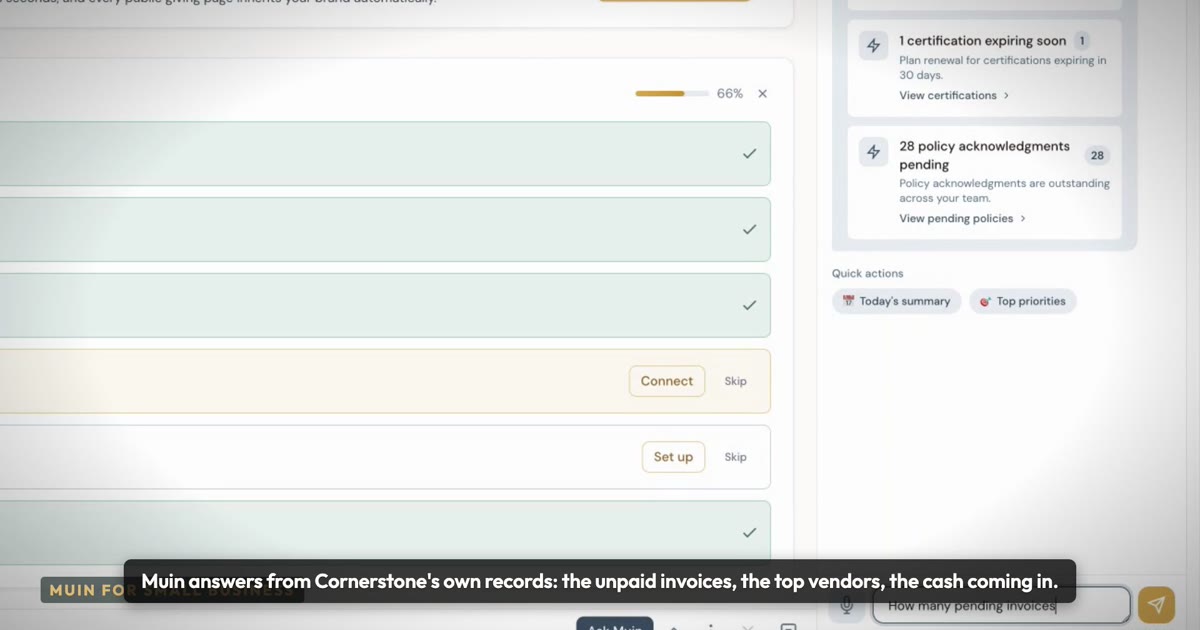
Ask your business a question
Who still owes me?
 0:57
Features
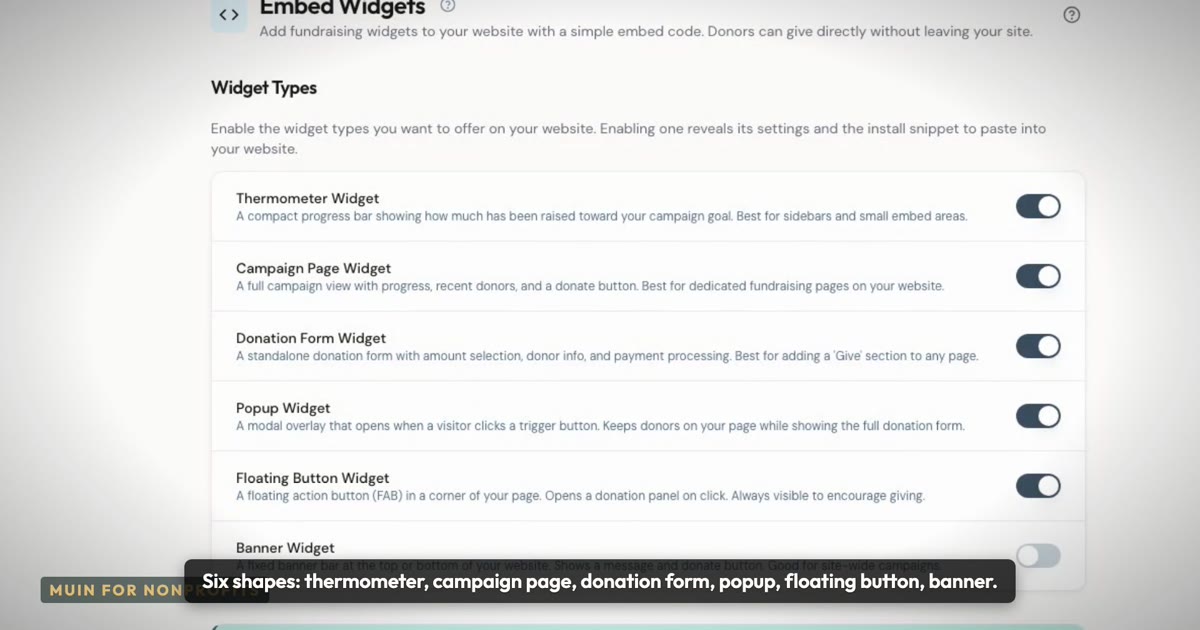
Giving pages that live on your own website
Six shapes, your colors and font, monthly giving and cover-the-fees.
 1:12
How-tos
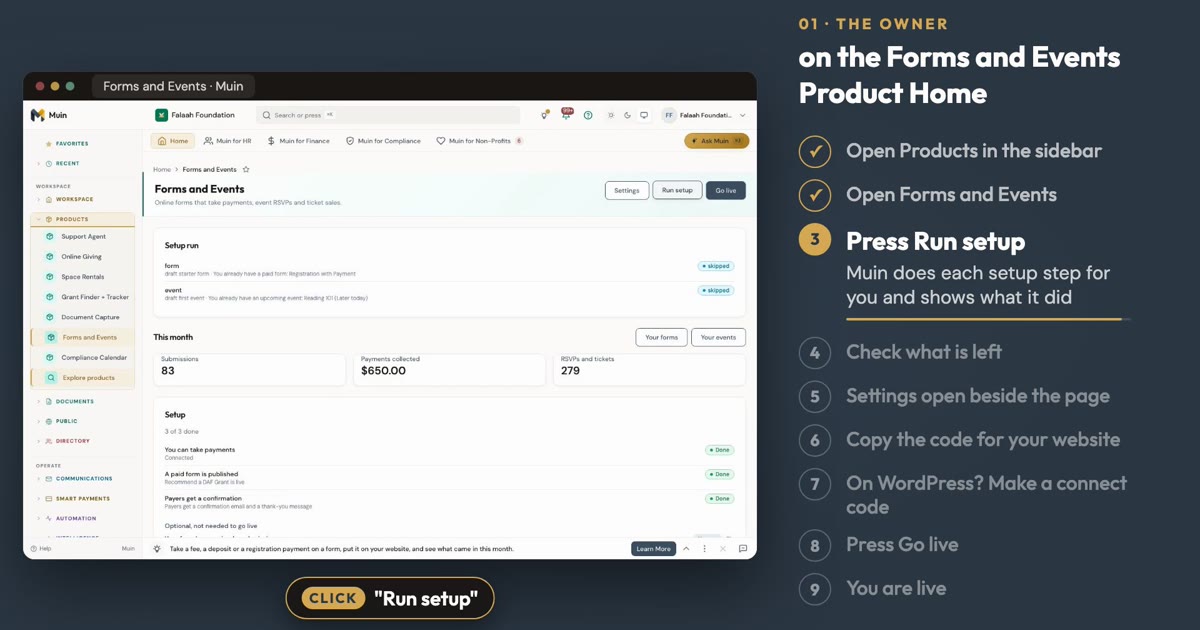
Set Up Online Forms and Event Management
See how to set up a paid form and an event from the Online Forms and Event Management Product Home, in about a minute.