
Find Money You Can Get Back with Money Back Scan
How-tos ·1:24 ·
See a finished Money Back Scan: the total found, each category, a finding and its evidence, and the recoveries with their proof, in under a minute and a half.
Steps in this video
What the video shows:
- Open Muin for Finance, point at Overview, and click Money Back Scan.
- The total found, split into money that went out and money that never came in.
- Each category with its count and amount. The summary is free; the full report names every vendor and shows the evidence.
- Findings: open one to see why it was flagged and the records behind it.
- Recoveries: each claim closes with proof that the money came back. There is no fee on recoveries.
The scan in the video is one Falaah Foundation already ran. Every step in writing: the guide and the step-by-step post. Every product’s guides and videos are on one page.
Try Muin for Finance
Everything Muin for Finance does runs in the Muin platform today.
Watch next
 1:10
How-tos
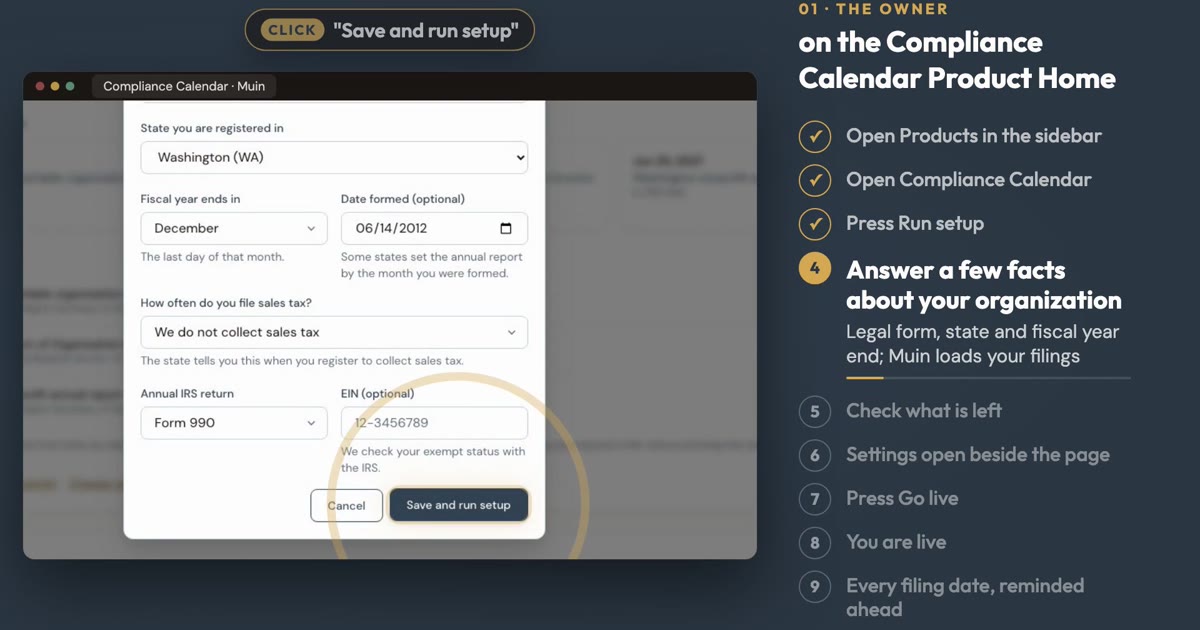
Set Up Compliance Tracker
See how to load every filing date for your organization, with reminders, in about a minute.
 1:28
How-tos
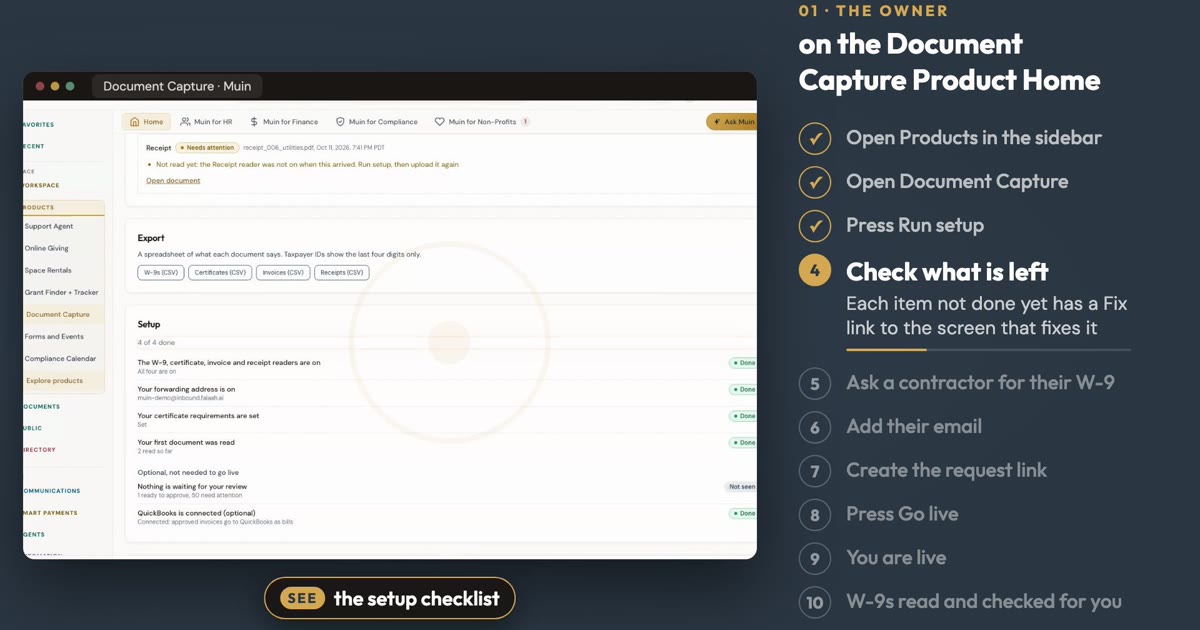
Set Up AI Document Capture
See how to ask a contractor for a W-9 and let Muin read and check it, in about a minute.
 1:12
How-tos
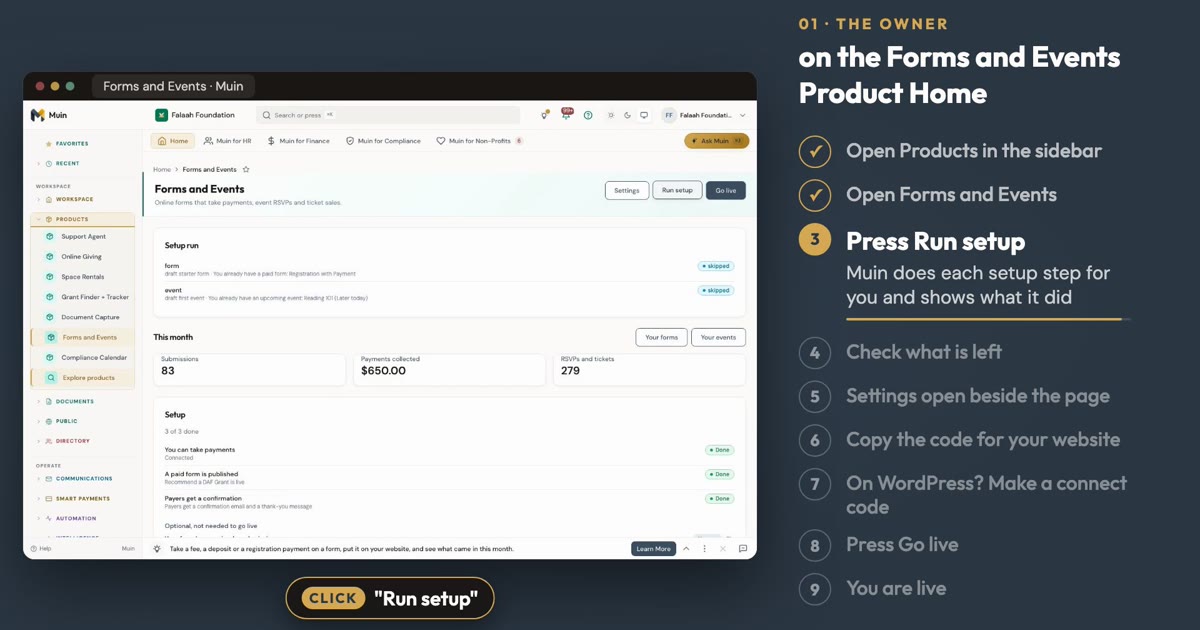
Set Up Online Forms and Event Management
See how to set up a paid form and an event from the Online Forms and Event Management Product Home, in about a minute.