
Report an Issue with a Screenshot
How-tos ·1:05 ·
See how to report a problem in Muin from any page, with a note and a screenshot, in about a minute.
Steps in this video
What the video shows:
- Click the feedback button at the bottom right of any page.
- Choose Report Issue.
- Say what went wrong, and what you expected to happen.
- Press Capture Screenshot. Muin takes a picture of the page behind the form.
- Press Submit Feedback. The Muin team gets your note, the page you were on, and the screenshot.
- Muin confirms it: “Thanks, we got your report. We read every one.”
Next time, press Cmd+Shift+F on a Mac, or Ctrl+Shift+F on Windows, to open the form straight away. The shortcut does nothing while the cursor is in a text field.
Try Muin Platform
Start a trial, or see everything Muin Platform does.
Watch next
 0:51
Features
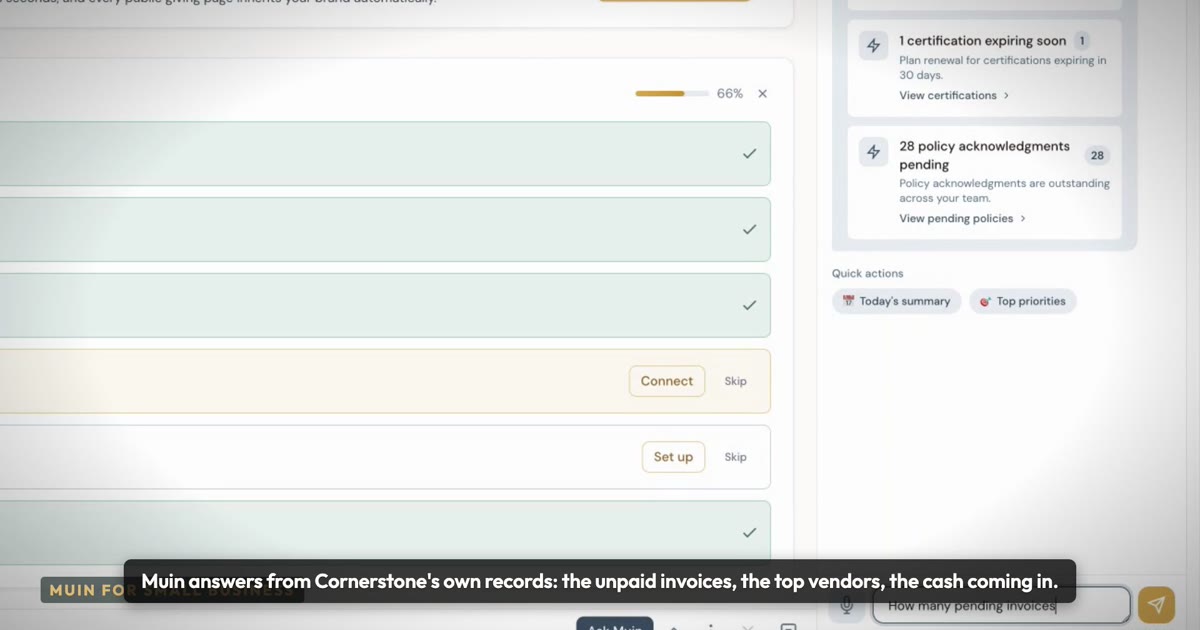
Ask your business a question
Who still owes me?
 0:57
Features
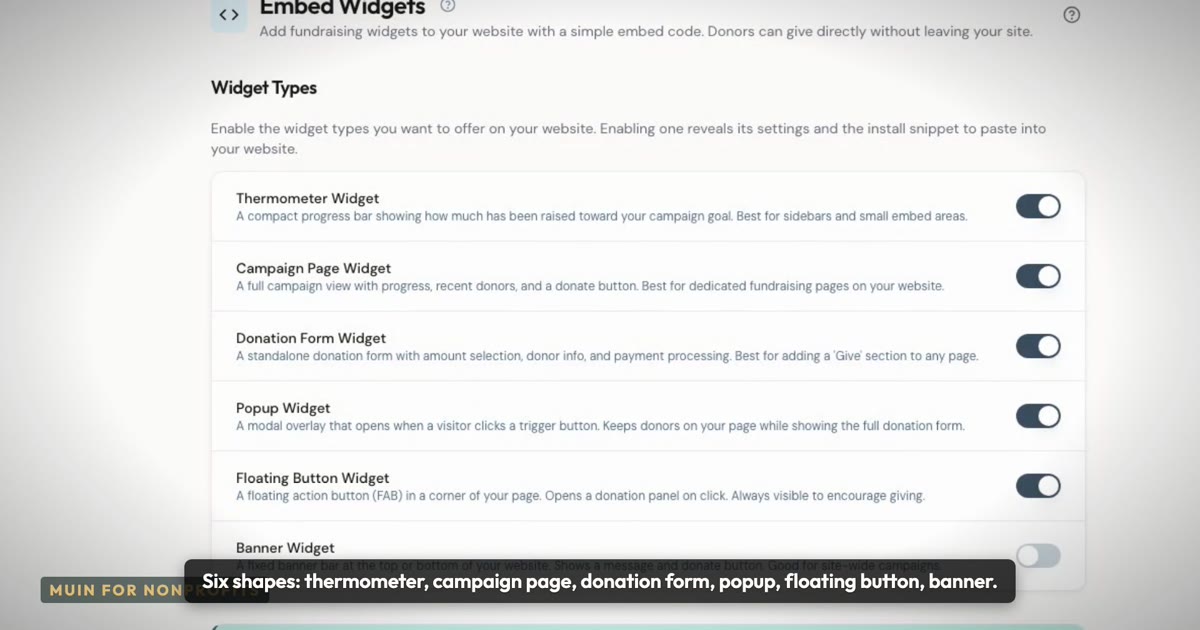
Giving pages that live on your own website
Six shapes, your colors and font, monthly giving and cover-the-fees.
 1:12
How-tos
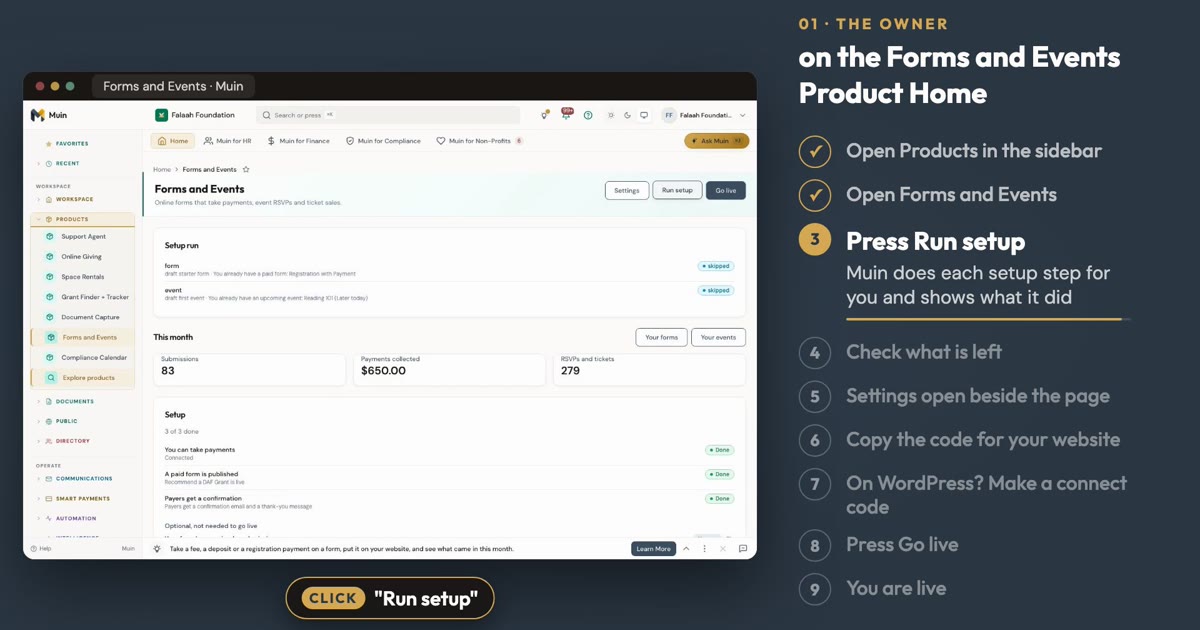
Set Up Online Forms and Event Management
See how to set up a paid form and an event from the Online Forms and Event Management Product Home, in about a minute.