
Connect Claude to Muin
How-tos ·1:49 ·
See how to add Muin to Claude as a custom connector, ask about your live records, and approve the change Claude prepares in Muin.
Steps in this video
What the video shows:
- In Muin, open Settings, then Integrations, choose Connect to Claude and copy the connector address.
- In Claude, open Customize, then Connectors, and add a custom connector named Muin with that address.
- Sign in to Muin and choose Allow access.
- In a new chat, turn Muin on and ask which invoices are overdue. Claude answers from your live records.
- Ask for a change. Claude prepares it, and it waits in your Muin Inbox until you approve it.
Try Muin in Claude
Start a trial, or see everything Muin in Claude does.
Watch next
 2:22
How-tos
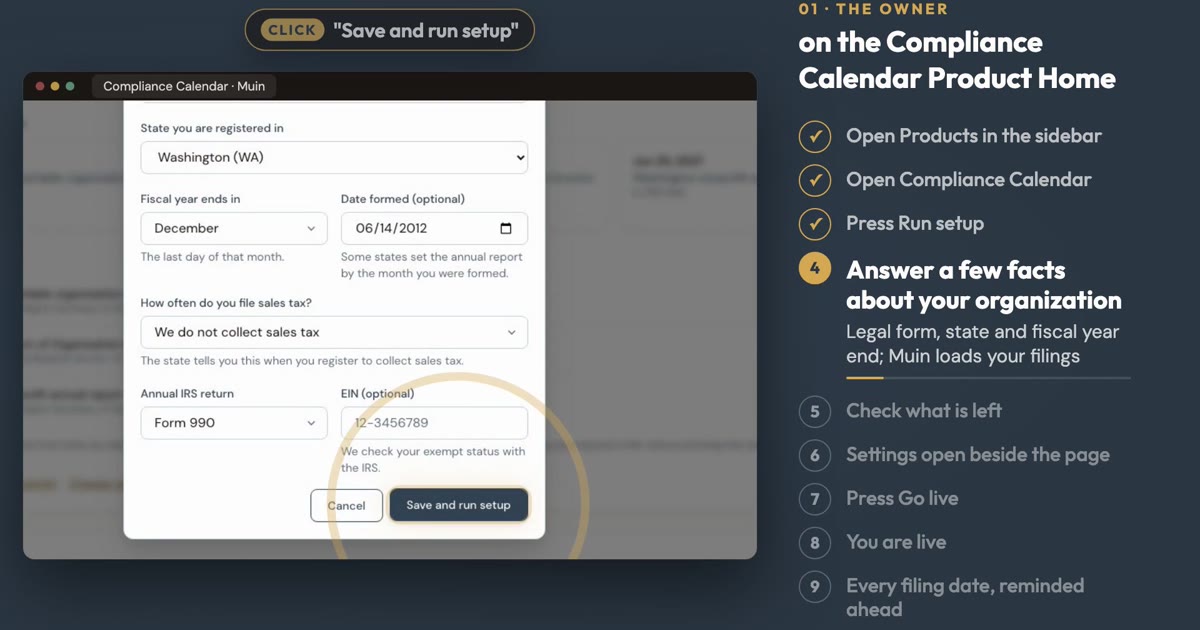
Set Up Compliance Tracker
See how to load every filing date for your organization, with reminders, in about two minutes.
 1:28
How-tos
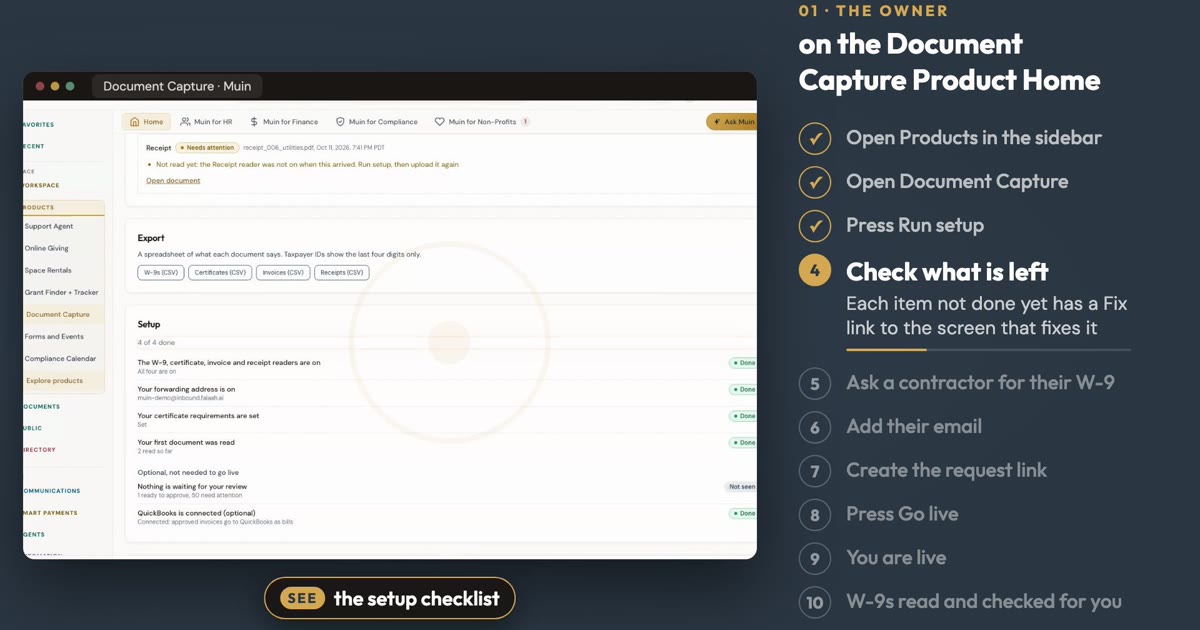
Set Up AI Document Capture
See how to ask a contractor for a W-9 and let Muin read and check it, in about a minute.
 1:12
How-tos
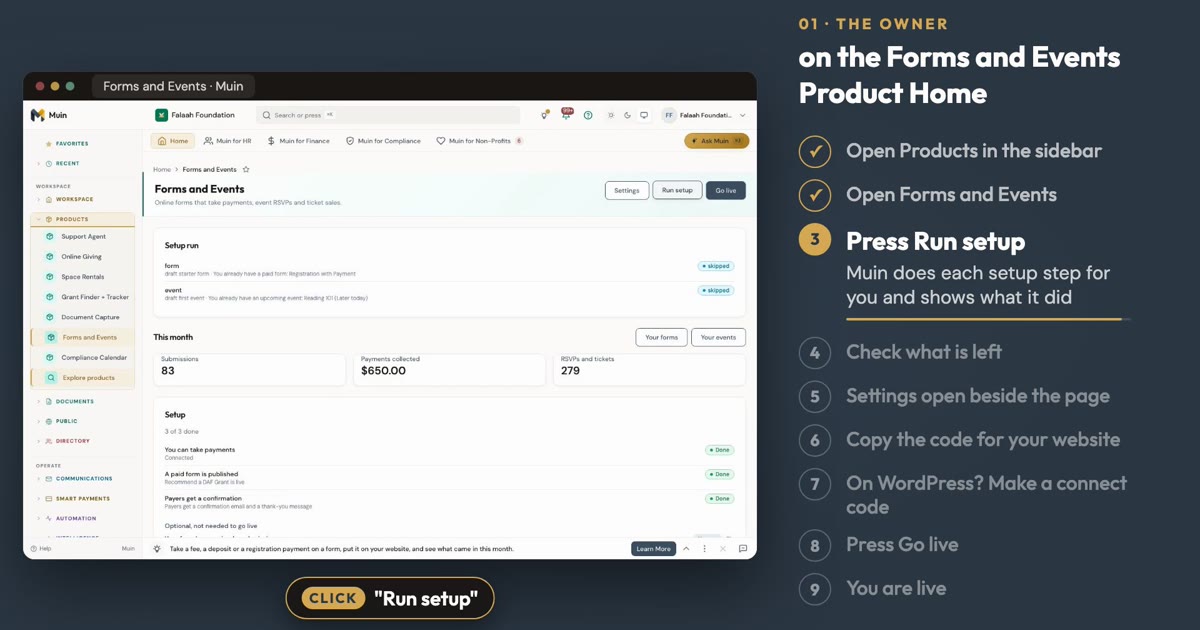
Set Up Online Forms and Event Management
See how to set up a paid form and an event from the Online Forms and Event Management Product Home, in about a minute.