
Connect WordPress to Muin
How-tos ·1:04 ·
See how to connect your WordPress site to a Muin product with one code, in about a minute.
Steps in this video
What the video shows:
- On a Product Home, make a connect code.
- In WordPress, open Settings, then Muin.
- Paste the code into the product’s row and press Connect.
- Your site shows on the Product Home, under connected sites.
Every step in writing: the setup guide and the step-by-step post. Every product’s guides and videos are on one page.
Every step in writing
The written guide has each step, with screenshots, to follow at your own pace.
Watch next
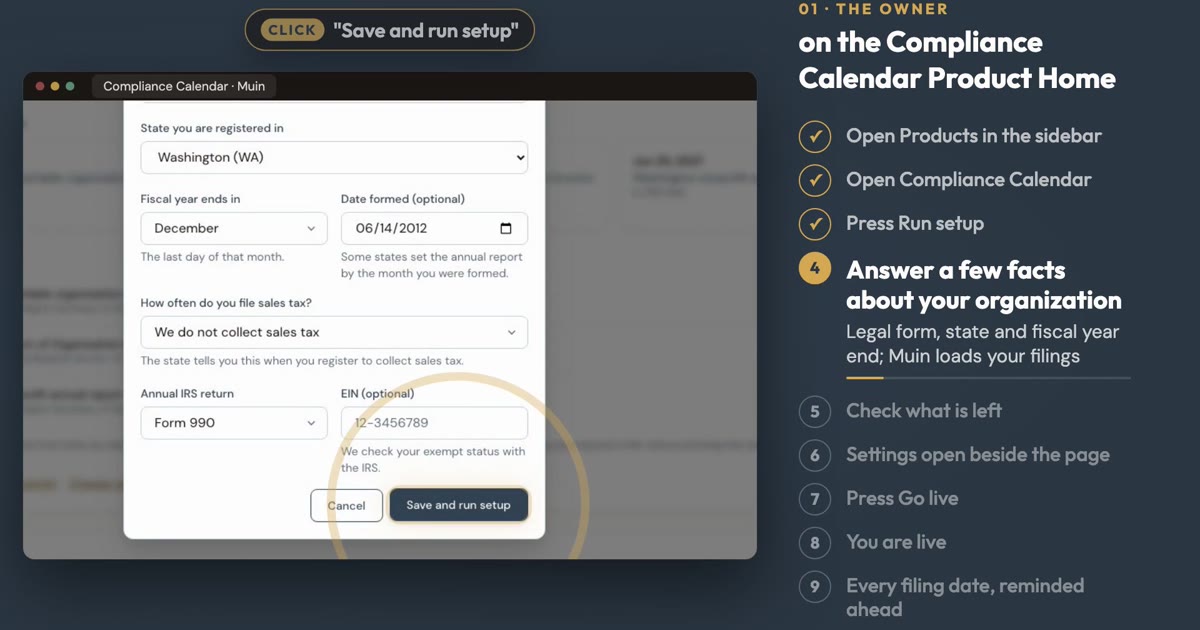 1:10
1:10 How-tos
Set Up the Compliance Calendar
See how to load every filing date for your organization, with reminders, in about a minute.
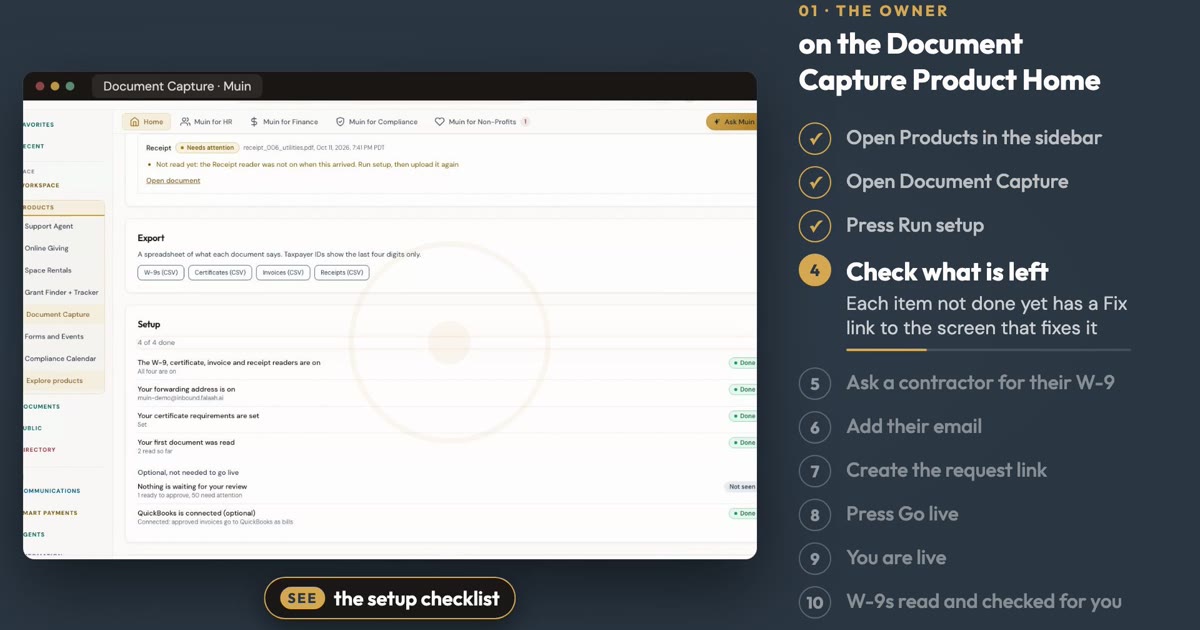 1:27
1:27 How-tos
Set Up Document Capture
See how to ask a contractor for a W-9 and let Muin read and check it, in about a minute.
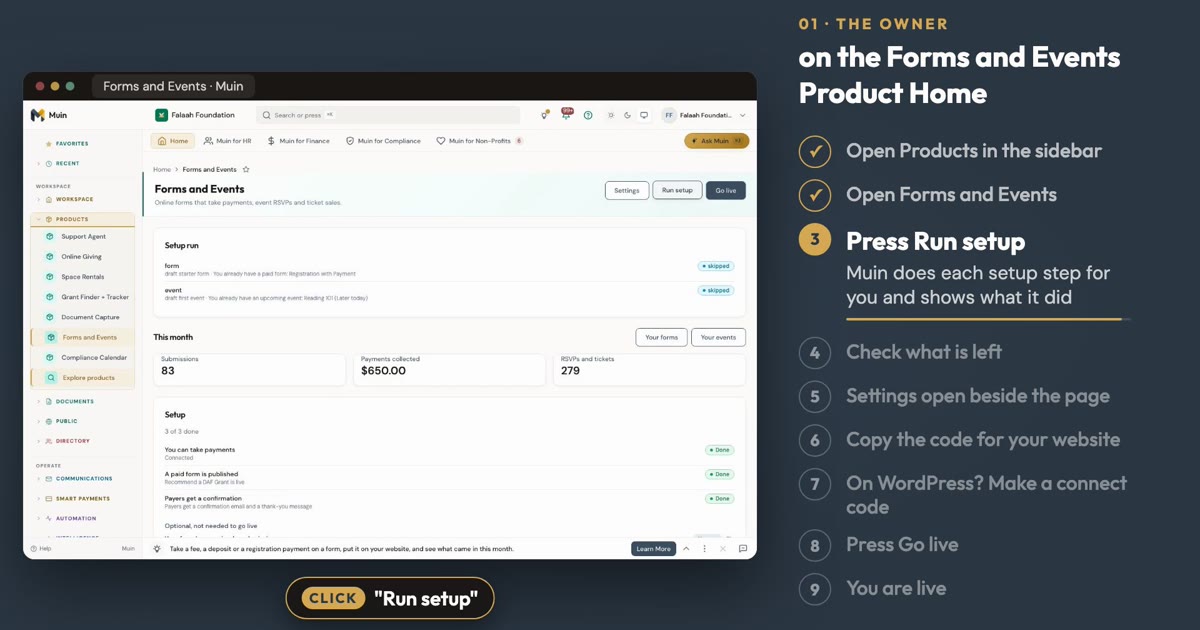 1:10
1:10 How-tos
Set Up Forms and Events
See how to set up a paid form and an event from the Forms and Events Product Home, in about a minute.