
Set Up Online Giving
How-tos ·1:17 ·
See how to set up Online Giving from its Product Home and put a Donate button on your website, in about a minute.
Steps in this video
What the video shows:
- Open Products, then Online Giving.
- Press Run setup.
- Check the setup list and fix what is left.
- Copy the Donate button for your website, or connect the WordPress plugin.
- Press Go live. Muin checks every item first, and your Donate button takes gifts, paid straight to your bank.
Every step in writing: the setup guide and the step-by-step post. Every product’s guides and videos are on one page.
Every step in writing
The written guide has each step, with screenshots, to follow at your own pace.
Watch next
 1:10
1:10 How-tos
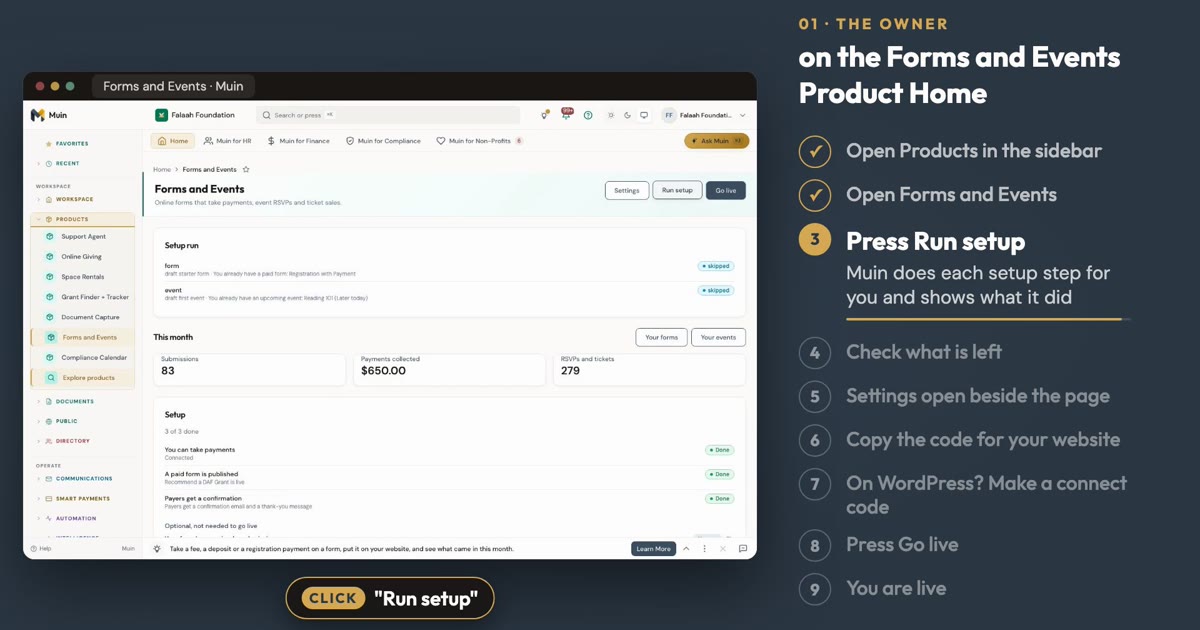
Set Up Forms and Events
See how to set up a paid form and an event from the Forms and Events Product Home, in about a minute.
 3:11
3:11 Features
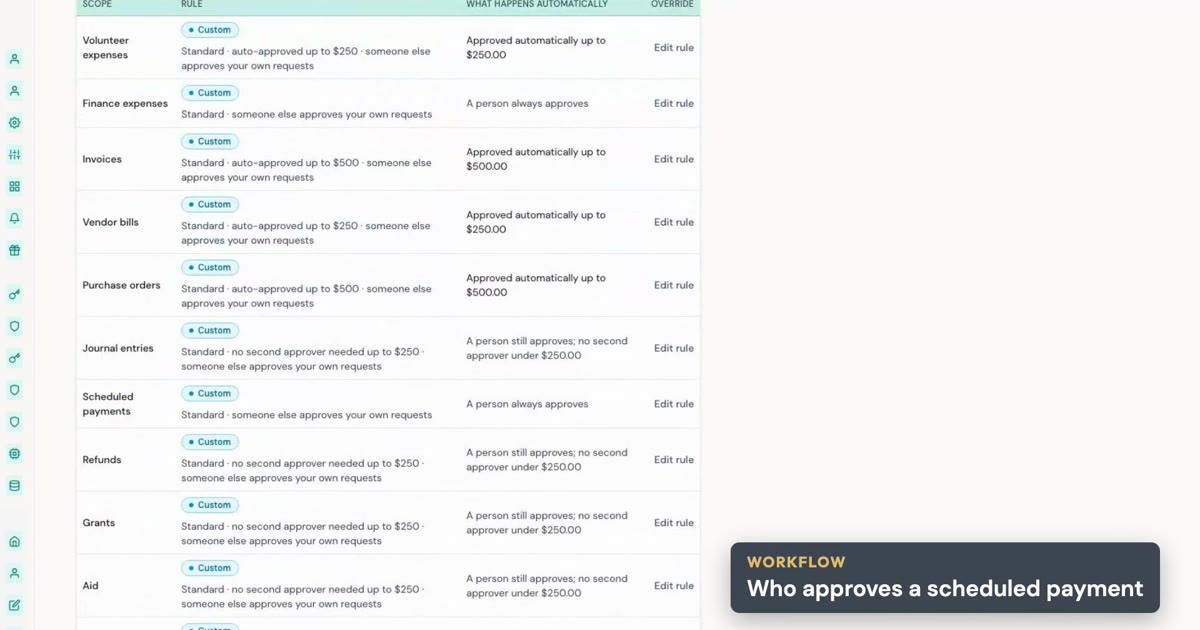
Good Morning Muin, up close: agents, approvals and Ask Muin
A closer look at Good Morning Muin.
 1:22
1:22 Short clips
Good morning, Muin: your nonprofit's work, done overnight
Overnight, agents run your workflows.