
Building a Vendor Onboarding Workflow That Actually Works
Create a standardized vendor onboarding process with automated document verification, compliance checks, and risk assessment using Muin.

Muin for Vendors is coming in Q3 2026. Sign up for beta to be among the first to know when it launches.
The cost of poor vendor onboarding is not measured in the onboarding itself — it is measured in the compliance gaps, audit findings, and insurance lapses that surface months later.
At many companies, every department handles vendors differently. Sales has their favorites. IT has theirs. Nobody verifies insurance consistently, and the “vendor list” is actually three different spreadsheets that nobody trusts.
When audits happen, companies find vendors with expired insurance, missing W-9s, and sometimes vendors that have been debarred. The cleanup takes weeks.
Here’s how to build vendor onboarding that doesn’t create those surprises.
What Makes a Good Vendor Onboarding Process
Before we build, let’s understand what we’re aiming for:
The Five Pillars of Vendor Onboarding
- Information Collection — Gather basic vendor data, contacts, banking details
- Document Verification — Validate business registration, insurance, certifications
- Risk Assessment — Evaluate financial stability, compliance history, operational risk
- Compliance Check — Verify against regulatory requirements and internal policies
- Approval and Activation — Final review and system activation
Most organizations do #1 and skip to #5, wondering later why they have vendor problems. Muin automates the entire process so nothing gets missed.
| Onboarding Stage | What Happens | Who Is Involved |
|---|---|---|
| Initial Request | Capture vendor details, estimated spend, business justification | Requestor, Procurement |
| Information Collection | Vendor completes profile via secure portal | Vendor, System (automated reminders) |
| Document Verification | AI extracts and validates COI, W-9, certifications | AI Agents, Vendor Manager |
| Risk Scoring | Calculate risk score based on financial, compliance, operational factors | AI, Procurement |
| Approval & Activation | Route to appropriate approver based on risk and spend level | Manager, Director, or VP |
Creating the Onboarding Workflow
Stage 1: Initial Request
Start by capturing the vendor request:
- Navigate to Vendors Module → Onboarding
- Click New Vendor Request
- Fill in basic information:
- Company name
- Primary contact
- Products/services provided
- Estimated annual spend
- Requestor and department
This creates a vendor record in “Pending” status and initiates the workflow.
Stage 2: Vendor Information Collection
Muin sends an automated request to the vendor to complete their profile:
Information requested:
- Legal business name and DBA
- Business address and locations
- Tax ID / EIN
- Business type (LLC, Corp, etc.)
- Years in business
- Key contacts with roles
- Banking information for payments
- References (optional)
Automation:
- Email sent to vendor with secure portal link
- Reminders at 3, 7, and 14 days if incomplete
- Dashboard shows completion status
- Fields validate automatically (tax ID format, etc.)
Stage 3: Document Requirements
Based on vendor type and spend level, Muin generates a document checklist:
Standard Documents (All Vendors)
- W-9 form
- Certificate of Insurance (COI)
- Business registration
Additional by Category
| Vendor Type | Additional Documents |
|---|---|
| Construction | Contractor license, safety certifications, bonds |
| IT/Software | SOC 2 report, security questionnaire |
| Food/Catering | Health permits, food handler certs |
| Transportation | DOT certification, vehicle insurance |
| Professional Services | Professional licenses, E&O insurance |
Document Upload Process:
- Vendor receives checklist via portal
- Uploads documents directly
- Muin AI extracts and verifies:
- Document type identification
- Expiration dates
- Coverage amounts
- Named insured verification
- Missing or inadequate documents flagged automatically
Stage 4: AI-Powered Verification
This is where Muin’s AI agents shine. For each uploaded document:
Document Verification Agent
- Confirms document authenticity markers
- Extracts all relevant fields
- Validates against vendor-provided information
- Flags discrepancies for review
Insurance Validation Agent
- Verifies coverage meets your minimum requirements
- Checks that your company is listed as additional insured (if required)
- Confirms policy is active (not expired)
- Alerts if coverage is inadequate
Compliance Check Agent
- Verifies against debarment lists (SAM.gov, etc.)
- Checks for required industry certifications
- Validates business registration status
- Reviews any required security questionnaire responses
Stage 5: Risk Scoring
Based on collected information, Muin calculates a risk score:
Risk Factors Evaluated:
| Category | Weight | Factors |
|---|---|---|
| Financial | 30% | Years in business, revenue stability, payment history |
| Compliance | 30% | Certifications current, insurance adequate, regulatory standing |
| Operational | 20% | References, capacity, geographic reach |
| Concentration | 20% | % of your spend, dependency level |
Risk Levels:
- 🟢 Low Risk (80-100): Streamlined approval
- 🟡 Medium Risk (60-79): Standard review required
- 🟠 High Risk (40-59): Enhanced due diligence
- 🔴 Critical Risk (under 40): Requires executive approval or rejection
High-risk vendors are automatically flagged for additional review before proceeding.
Stage 6: Approval Workflow
Based on risk level and spend, route to appropriate approvers:
Low Risk + Under $10K Annual:
- Auto-approve with audit log
- Notification to Procurement
Low/Medium Risk + $10K-$100K Annual:
- Procurement Manager approval
High Risk OR $100K+ Annual:
- Procurement Manager + Finance Director approval
Critical Risk:
- Procurement Manager + Finance Director + VP approval
- Must include risk mitigation plan
Setting Up Automated Follow-Ups
Don’t let onboarding stall. Configure automated reminders:
For Vendors:
- Day 3: Friendly reminder to complete profile
- Day 7: Second reminder with deadline warning
- Day 14: Final notice before request expiration
- Day 21: Request expired, workflow cancelled
For Internal Approvers:
- Day 1: Approval request notification
- Day 3: Reminder with SLA warning
- Day 5: Escalate to approver’s manager
For Missing Documents:
- Immediate: Specify what’s missing and why
- Day 7: Reminder with impact explanation
- Day 14: Escalate to vendor’s primary contact
Monitoring Onboarding Pipeline
Track all vendors in progress:
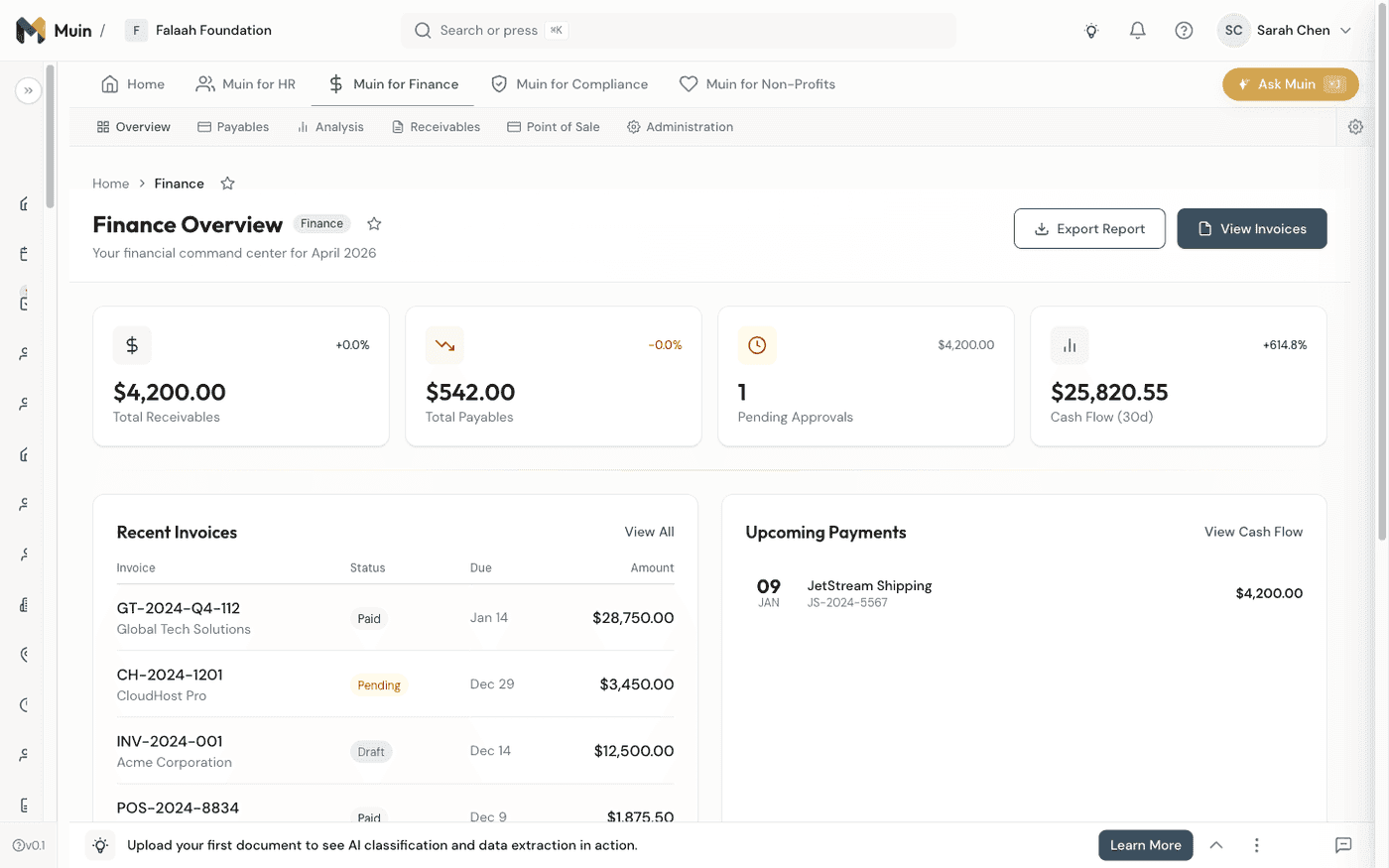
- Navigate to Vendors → Onboarding Pipeline
- View Kanban board with stages:
- Information Collection
- Document Upload
- Verification
- Risk Assessment
- Pending Approval
- Active
Pipeline Metrics:
- Average time to onboard
- Current bottlenecks
- Document collection rate
- Approval turnaround time
Click any vendor to see detailed status, timeline, and pending actions.
Post-Onboarding: Ongoing Compliance
Onboarding isn’t one-and-done. Set up ongoing monitoring:
Insurance Expiration Alerts
- 60 days before: Request updated COI
- 30 days before: Escalate to vendor manager
- On expiration: Flag vendor, restrict new orders
Annual Re-Verification
- Trigger: One year since last verification
- Request updated documents
- Re-run compliance checks
- Update risk score
Continuous Monitoring
- Debarment list checks (quarterly)
- Financial stability indicators
- News monitoring for issues
Vendor Onboarding Checklist Template
Use this as a starting point and customize for your needs:
PRE-ONBOARDING
□ Vendor request submitted
□ Business justification documented
□ Estimated spend approved

INFORMATION COLLECTION
□ Basic company information
□ Primary contact details
□ Banking/payment information
□ Tax information (W-9)

DOCUMENTATION
□ Business registration
□ Certificate of Insurance
  □ General liability ≥ $1M
  □ Workers comp (if applicable)
  □ Professional liability (if applicable)
  □ Your company as additional insured
□ Industry-specific certifications
□ Security questionnaire (if IT vendor)

VERIFICATION
□ Documents AI-verified
□ Insurance coverage validated
□ Compliance check passed
□ References checked (if high value)

RISK ASSESSMENT
□ Risk score calculated
□ High-risk mitigations documented (if applicable)

APPROVAL
□ Appropriate approvers signed off
□ Vendor activated in system
□ Vendor notified of activation
□ Master vendor list updated
Results We’re Building Toward
Our platform goals for vendor onboarding:
| Metric | Typical | Target* |
|---|---|---|
| Average onboarding time | 2-4 weeks | 3-5 days |
| Document collection rate | 60% complete | 95% complete |
| Compliance gaps at audit | Common | Rare |
| Insurance lapses | Discovered late | Prevented |
These are design targets based on our platform architecture, not guaranteed outcomes. Actual results will vary based on your specific workflows and adoption.
Get Started
If your vendor files are scattered and you’re not sure who has current insurance, join the beta waitlist and run your first vendor through the proper process. You’ll immediately feel the difference between “I think we’re covered” and “I know we’re covered.”
The goal isn’t to make onboarding harder—it’s to make it consistent enough that nothing slips through. Once the workflow is set up, adding a new vendor takes less time, not more.
Related Reading
- Muin for Vendors: Complete Vendor Management for SMBs — The full vendor module: profiles, compliance, POs, and spend analytics
- Vendor Risk Management: How Muin Protects Your Business — Risk scoring and continuous monitoring for your vendor portfolio
- Building Workflows Without Code — Create approval chains and onboarding workflows with the visual builder
- Muin Agents Explained: What They Do and How They Work — The AI agents powering document verification and compliance checks
- Muin for Compliance: Regulatory Intelligence — Broader compliance tracking and audit preparation
Part of our Use-Case Series. Next up: Everything Muin Chat Can Do