
Smart Forms That Connect: Signups, Payments, and Memberships
How Muin Smart Forms handle standalone signups, form-with-payment flows, volunteer registration, and membership enrollment -- all connected to your CRM and workflows.

There is a specific moment where traditional form tools fail. It is the moment after submission. The data lands in a spreadsheet and then a person has to move it somewhere useful. Muin Smart Forms eliminate that step. Every submission resolves against your existing contact database, creates or updates records automatically, processes payments if needed, and triggers downstream workflows.
Here are the four form-based combinations.
1. Standalone Smart Form
A form page at /go/{slug}/form/{template} with conditional logic, file uploads, contact resolution, and workflow triggers — no payment step. This is the general-purpose form for client intake, vendor registration, feedback surveys, program applications, and support requests.
When someone fills out a Smart Form, the system checks their email against your contact database. Known contacts get pre-filled fields. Every submission links to a unified contact record alongside their donations, event registrations, and other interactions.
Smart Forms support over 40 field types — text and contact fields, numeric and financial inputs (currency, budget grid, calculated), selection controls (multi-select, radio, toggle), date and time pickers (date range, time slot), file uploads and signatures, survey instruments (NPS, Likert scale, matrix grid, ranking), and layout elements (headings, dividers, section breaks, repeaters). Five showcase forms demonstrate this range:
- Volunteer Application (26 fields) — sliders, ratings, signatures, multi-select, and toggles
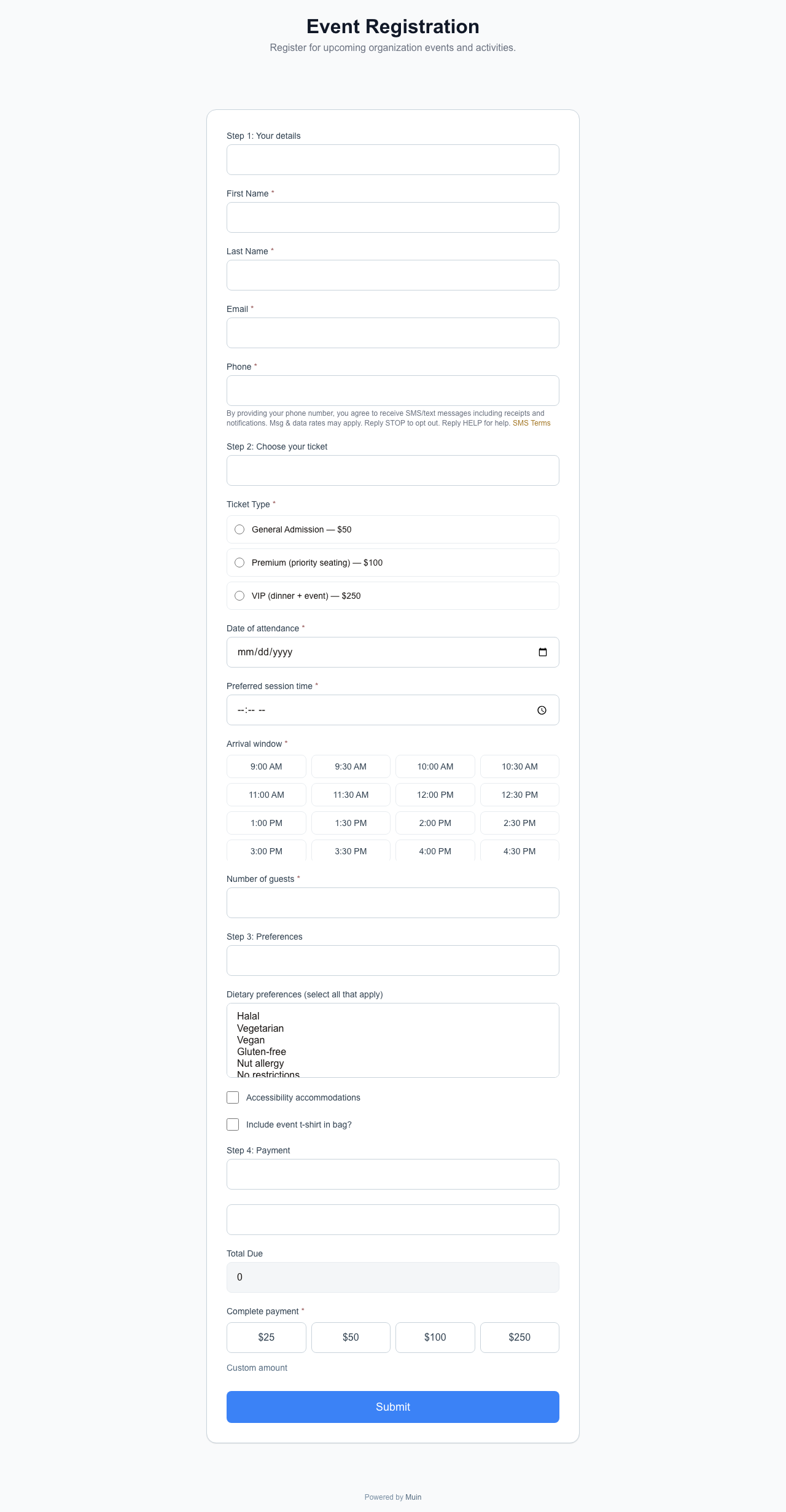
- Event Registration (21 fields) — time slot pickers, accessible radio groups, paragraph display
- Post-Event Feedback Survey (14 fields) — NPS, Likert scale, matrix grid, drag-to-rank
- Grant Application Intake (27 fields) — budget grid, repeaters, calculated fields, date range
- Facility Rental Request (21 fields) — datetime, hidden fields, payment amount integration
Embed on any website:
<script src="https://muin-api.falaah.ai/embed/widget.js" data-tenant="your-org" data-type="form"></script>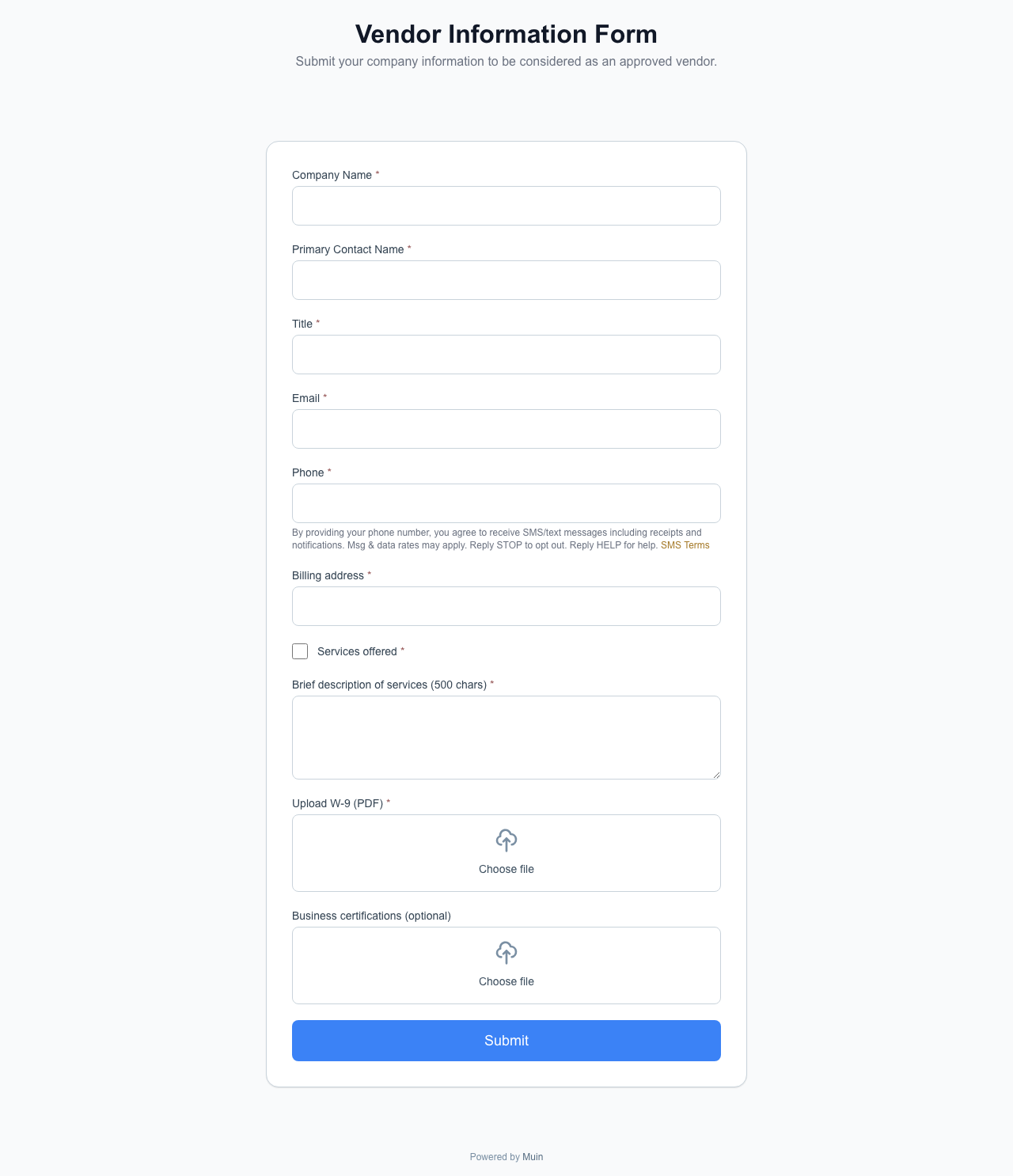
2. Smart Form with Payment
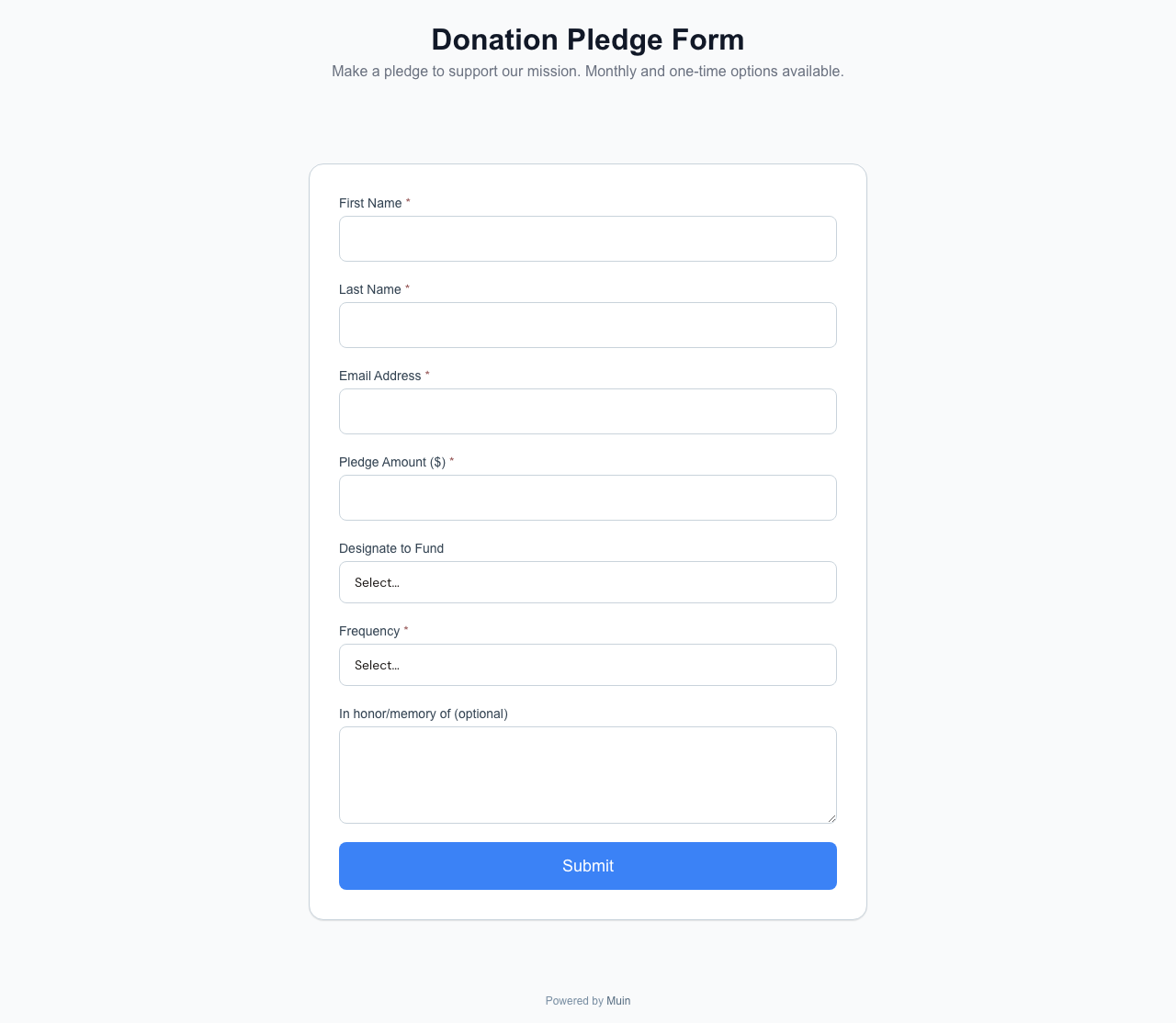
The same Smart Form, with an integrated Stripe payment step. The form collects information and processes payment in one flow — application fees, registration deposits, service requests with upfront payment, or conference registration with variable pricing based on form answers.
The payment amount can be fixed, calculated from form answers, or entered by the respondent. Payments appear in the same financial reports alongside donations and ticket sales.
3. Volunteer Signup Form
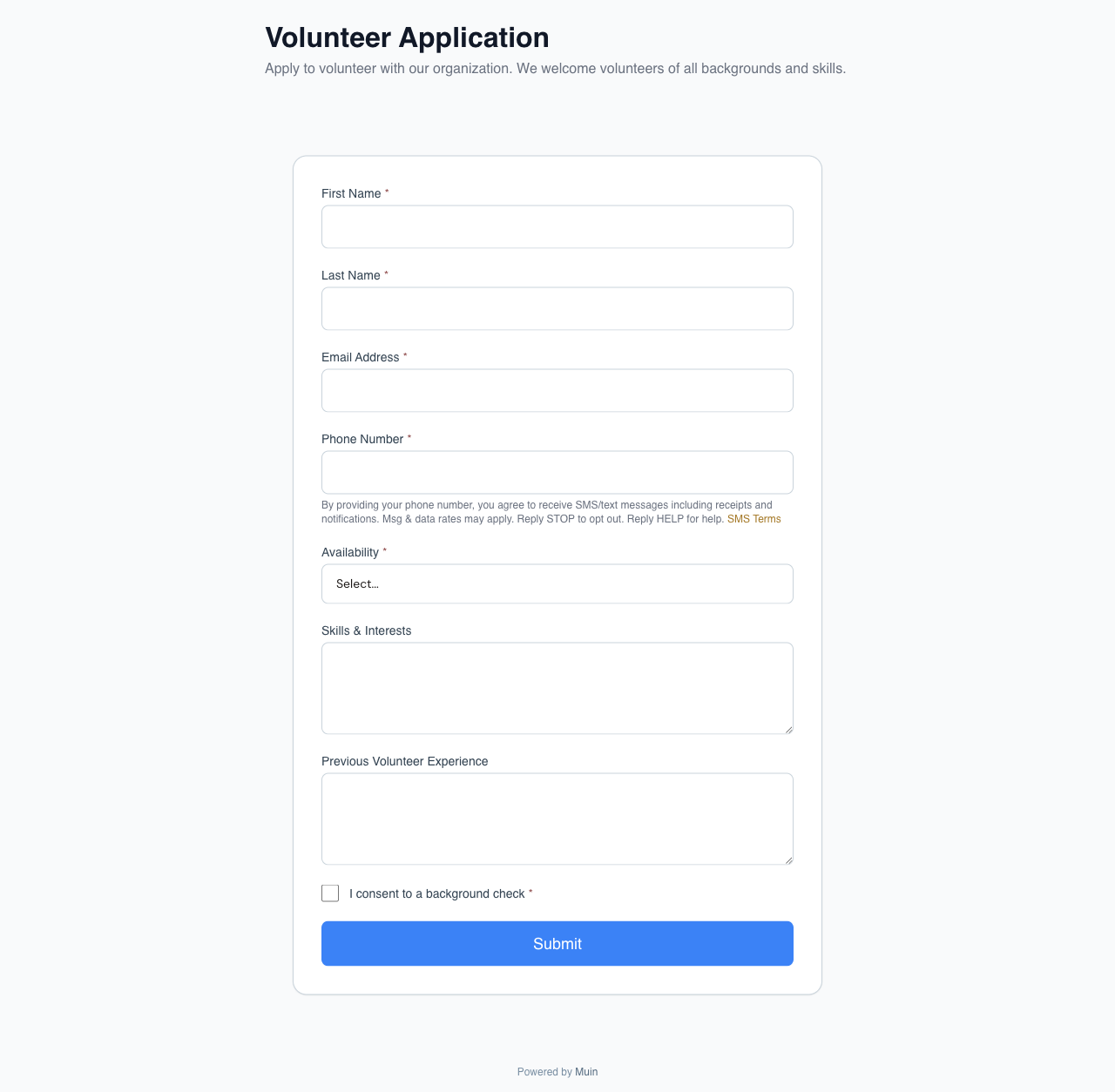
A purpose-built form at /go/{slug}/volunteer that creates a volunteer record, assigns the volunteer to programs or shifts, and sends onboarding instructions — all from a single submission.
The volunteer application form demonstrates the breadth of interactive fields available: 26 fields spanning text, email, phone, date, address, multi-select, radio, select, slider, rating, file upload, checkbox, yes/no, toggle, signature, headings, and dividers.
On submission, a workflow creates the volunteer record, assigns the program, and notifies the coordinator.
4. Membership Enrollment Form
A form at /go/{slug}/membership that collects member information, processes membership dues (one-time or recurring via Stripe), and activates the membership record in one step.
Members select a tier, fill in their information, and complete payment. Recurring memberships auto-renew. Members can manage their membership through a self-service portal.

Embedding All Four
Every form combination works as a standalone page (the public URL), as an embedded widget (the <script> snippet with Shadow DOM isolation), or wrapped in a popup, floating button, or banner (see Widget Placement Guide).
The same form configuration powers all deployment modes. Change the deployment, not the form.
The Downstream Effect
The real value of connected forms is what happens after submission. A volunteer signup that creates a record, assigns a program, and notifies a coordinator in the same second as the submission means the volunteer gets a response while they are still thinking about your organization. A membership enrollment that activates immediately means the new member can log in to the portal before they close the browser tab.
Traditional form tools collect data. Smart Forms start processes.
Showcase: Five Forms, 40+ Field Types
Every field type is demonstrated across five live forms:

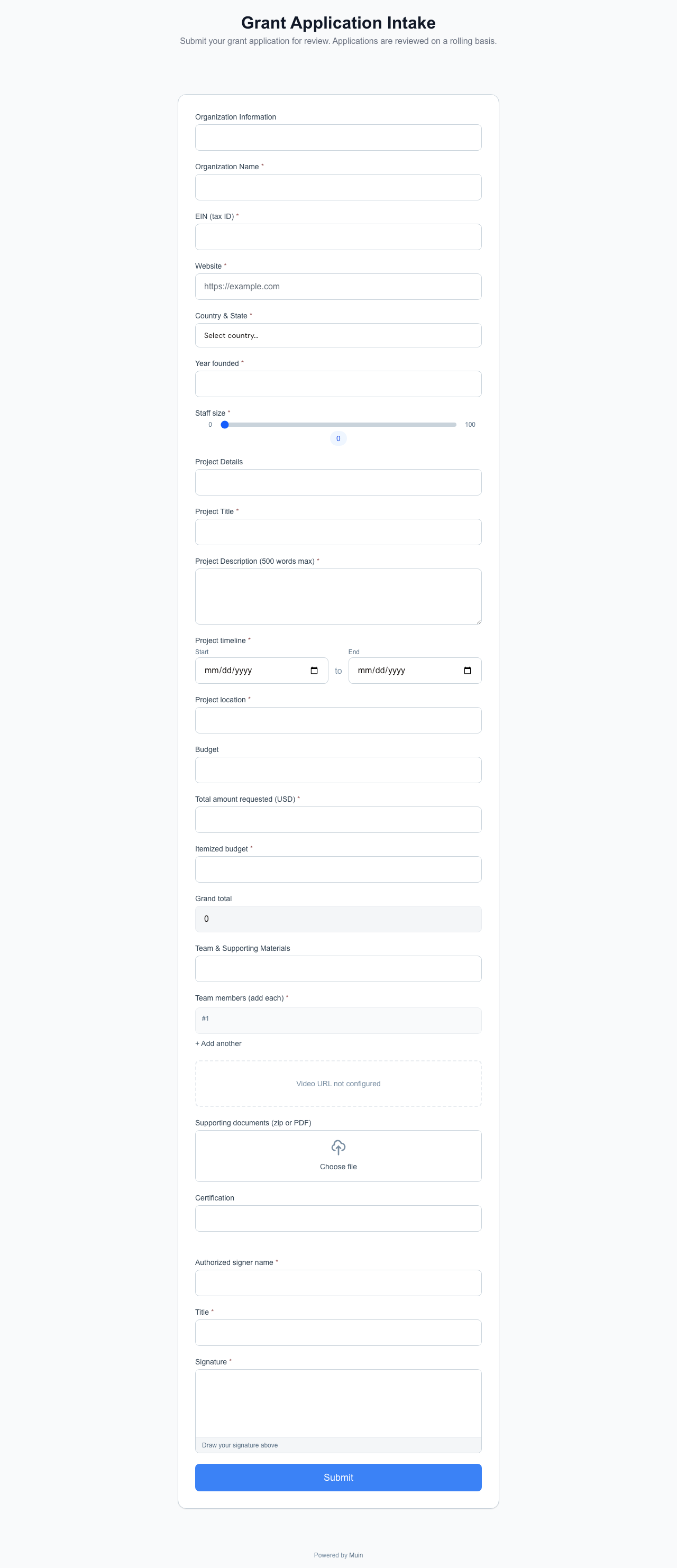

| Form | Fields | Highlights |
|---|---|---|
| Volunteer Application | 26 | Slider, rating, signature, toggle, multi-select |
| Event Registration | 21 | Time slot, radio, paragraph display, dividers |
| Post-Event Feedback | 14 | NPS, Likert scale, matrix grid, drag-to-rank |
| Grant Application | 27 | Budget grid, repeater, calculated, date range, video embed |
| Facility Rental | 21 | DateTime, hidden, payment amount, time picker |
For the complete matrix of all 26 embedding combinations, see 26 Ways to Accept Payments, Donations, and Registrations with Muin.