
Popup, Floating, and Banner Widgets: The Psychology of Non-Intrusive CTAs
When to use popup, floating button, and banner widgets for donations, payments, and signups -- with conversion psychology and placement strategies.

Embedding a donation form on your website is step one. Step two is getting people to notice it. A giving form buried at the bottom of a page nobody scrolls to is worth nothing.
Widget placements put your call-to-action in front of visitors at the right moment, in the right format, without driving them away. Muin offers four widget placement combinations, each wrapping any existing form, giving page, or registration flow in a delivery mechanism designed for a specific user psychology.
All four use the same widget embed pattern:
<script src="https://muin-api.falaah.ai/embed/widget.js" data-tenant="your-org" data-type="popup"></script>Change data-type to popup, floating, banner, or button depending on which placement you want.
1. Popup Widget
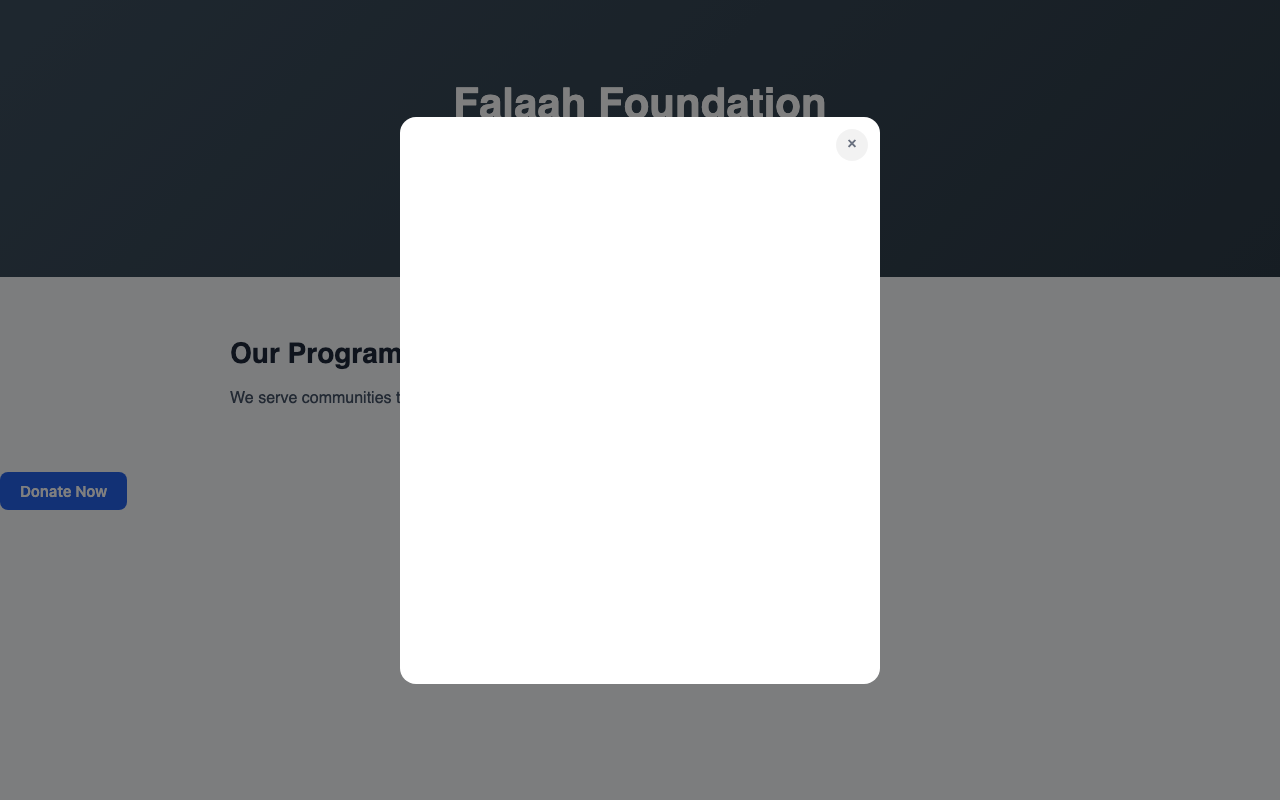
An overlay that appears on top of page content, triggered by scroll depth, time on page, exit intent, or an explicit click. Contains a giving form, payment form, signup form, or any other Muin embed. A semi-transparent backdrop dims the page behind it.
Popups have the highest conversion rate of any widget type because they demand attention. They also have the highest annoyance potential. The key is restraint — never fire on the first page visit, always respect frequency caps, and keep the form short.
2. Floating Action Button (FAB)
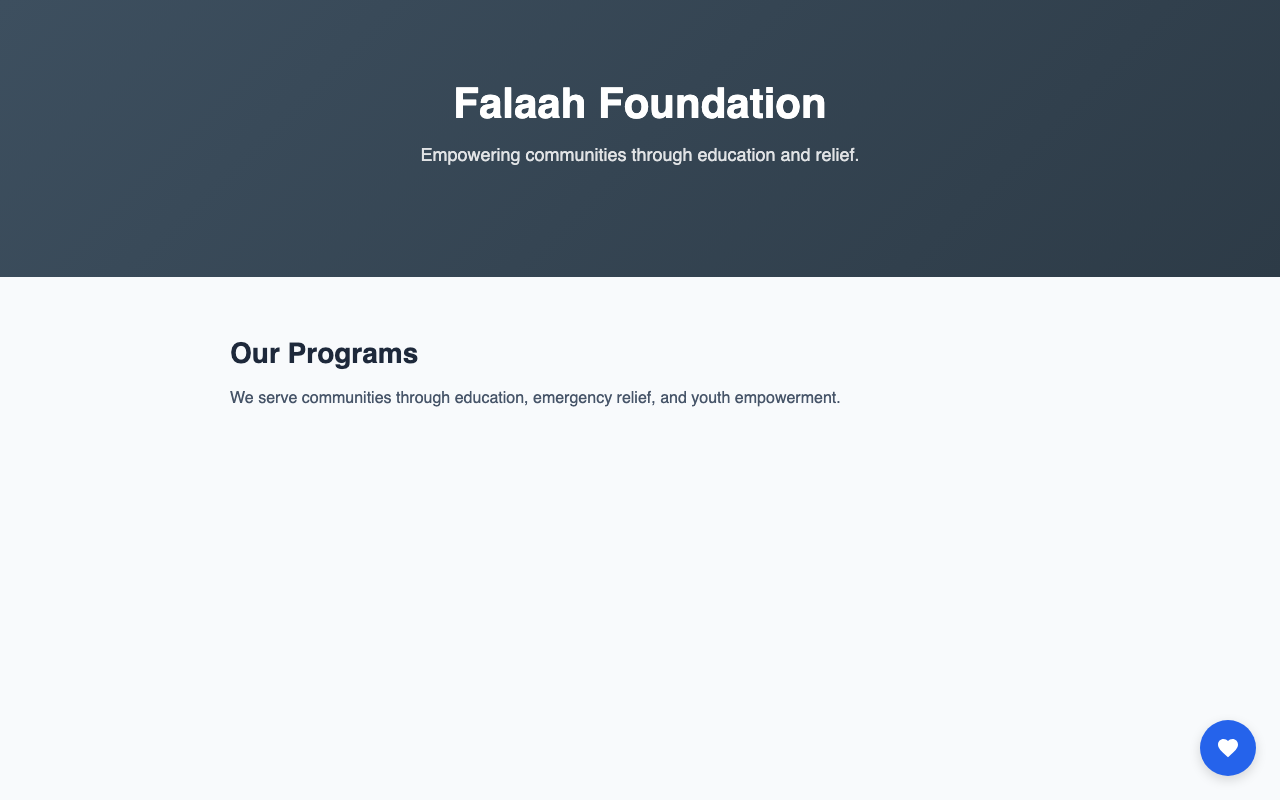
A persistent circular button anchored to the bottom corner of the screen. It stays visible as the visitor scrolls. On click, it expands into a form panel — a slide-out drawer or an inline expansion.
The FAB is the “always available, never in the way” option. It works on every page of a multi-page website, providing a consistent entry point to your giving form without competing with page content. Lower conversion rates than popups, but zero annoyance.
3. Banner Widget
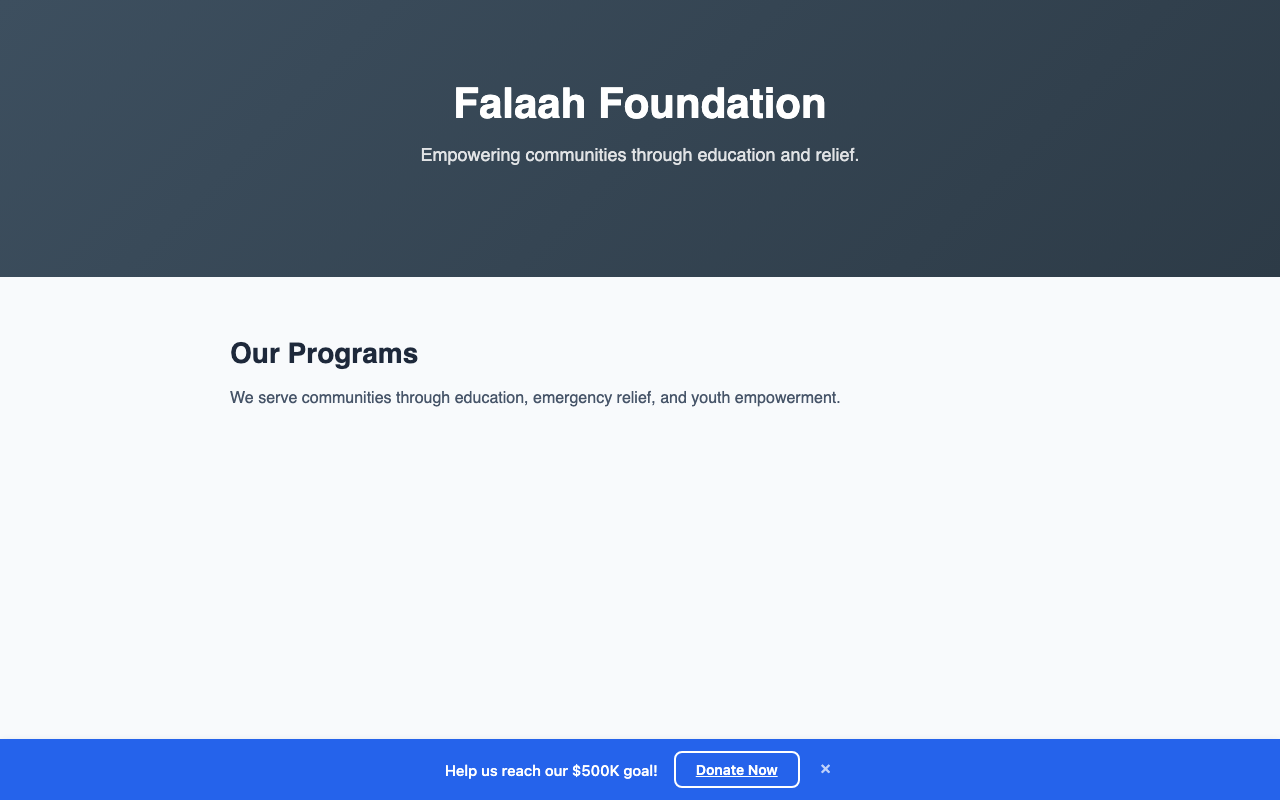
A slim horizontal bar at the top or bottom of the page with a short message and a call-to-action button. Clicking the CTA opens the form in a popup or navigates to the standalone page. The banner can be dismissible or persistent.
Banners have the lowest conversion rate of the three standalone types, but they excel at repeated, low-pressure exposure across many page views. Optionally pull real-time campaign data into the message — “$47,000 of $100,000 raised” updates live.
4. Multi-Widget Configuration
Multiple widgets deployed on the same page with coordination rules that prevent them from competing. A banner at the top, a FAB in the corner, and a popup on exit intent — configured to respect each other’s timing.
Coordination rules include: suppress popup if banner was dismissed, suppress popup if FAB was used, priority ordering, and cool-down periods between widget interactions. This prevents the “three things popping up at once” experience.
For the full multi-widget implementation pattern, see Multi-Widget Landing Page.
The Restraint Principle
Every widget recommendation comes with the same caveat: restraint. Show your ask once, make it easy to close, and do not show it again until the visitor returns. A single, well-timed popup converts better over a month than an aggressive multi-popup configuration that converts better on day one but trains visitors to leave your site.
For the complete matrix of all 26 embedding combinations, see 26 Ways to Accept Payments, Donations, and Registrations with Muin.